Cast AI Alternatives covered:
Key comparison idea: Tools split into automation-first (like Cast AI) vs strategy/visibility-focused (like Costimizer and Kubecost); the best choice depends on whether you want full automation or predictable pricing + strategic control.
CAST AI is a popular name in this space, but it is not the only way to keep your infrastructure lean. Whether you are looking for a more predictable pricing model or a tool that fits better with your specific engineering culture, exploring Cast AI alternatives is a smart move for your bottom line.
In this guide, we will break down the best options for managing your cloud spend, compare the top platforms, and help you decide which tool fits your specific growth stage.
CAST AI is known for its heavy automation, particularly in spot instance management and autoscaling. However, as organizations scale, several structural limitations emerge that cause teams to explore alternatives.
Here are the four most common reasons decision-makers switch:
CAST AI replaces your native Karpenter or Cluster Autoscaler with its own proprietary node management layer. This means that if you ever want to switch tools or reduce costs, migrating back is a significant engineering effort. You are not just switching a dashboard; you are re-architecting your autoscaling infrastructure.
CAST AI's pricing model charges a percentage of savings plus a per-CPU fee. This means your tool bill grows as your infrastructure scales, even if the savings delivered by the tool plateau. For a startup or a mid-sized enterprise scaling rapidly, this can feel like a "savings tax" that compounds over time.
CAST AI is purpose-built for Kubernetes workloads. If your cloud spend includes significant non-K8S infrastructure, RDS databases, S3, Lambda, or VMs, CAST AI cannot help you optimize that portion. For most organizations, that blind spot is 40 to 60 percent of their total cloud bill.
CAST AI focuses on real-time spot instance optimization but does not manage your Reserved Instance (RI) portfolio or AWS Savings Plans commitments. This is a major gap for mid-to-large teams where commitment management often delivers the biggest savings.
If you are wondering, "Where can I find Cast AI competitors with better pricing plans?" — you are likely looking for transparency. Many decision-makers prefer flat-fee models or tiered pricing that allows for better financial forecasting.
When looking for tools to reduce cloud spend on container infrastructure, the market generally splits into two categories: automated execution tools and visibility-first platforms.
Feature | CAST AI | Kubecost | Spot.io (NetApp) | |
Primary Focus | Full Automation | Strategy + Automation | Visibility & Reporting | Spot Instances |
Pricing Model | % of Savings | Transparent Tiers | Freemium/Per Node | Usage-based |
Ease of Setup | Fast | Fast | Moderate | Complex |
Customization | Low | High | High | Moderate |

Costimizer takes a different approach than most ai tools for managing cloud computing costs. While automation is a core part of the product, it focuses on the overall strategy of your cloud architecture. It doesn't just cut costs; it ensures that your cloud cost optimization strategy aligns with your performance requirements.
For founders who want to avoid the common cloud computing cost savings mistakes, Costimizer provides a clear path. It offers deep integration for AWS cost management and Azure cost management, making it a versatile choice for multi-cloud environments.

If your primary goal is to see exactly where every cent is going, Kubecost is a strong contender. It is built on Prometheus and excels at granular visibility. It provides recommendations for right-sizing, but unlike some Cast AI alternatives, it requires more manual effort to implement those changes unless you upgrade to their enterprise automation features.
Kubecost is the open-source standard for Kubernetes cost monitoring. It provides insightful information on cost allocation, enabling you to break down costs by namespace, deployment, service, label, and more.
Best for: Teams that prioritize visibility and control over automation, and organizations with dedicated FinOps teams that can implement recommendations manually.

This is one of the original players in the cloud cost optimization space. Spot.io specializes in using spot instances for production workloads through predictive analytics and automated failover mechanisms. If your container infrastructure is massive and highly fault-tolerant, Spot.io is a powerful tool.
However, for smaller teams, the interface can feel overwhelming and corporate. The platform is optimized for enterprise-scale operations, which means it comes with complexity that may not be necessary for startups or mid-sized companies.
Best for: Large enterprises with complex, multi-team Kubernetes deployments that can benefit from enterprise-grade support and are comfortable with usage-based pricing.
Beyond the top three, several other platforms offer unique capabilities that may align with your specific needs:
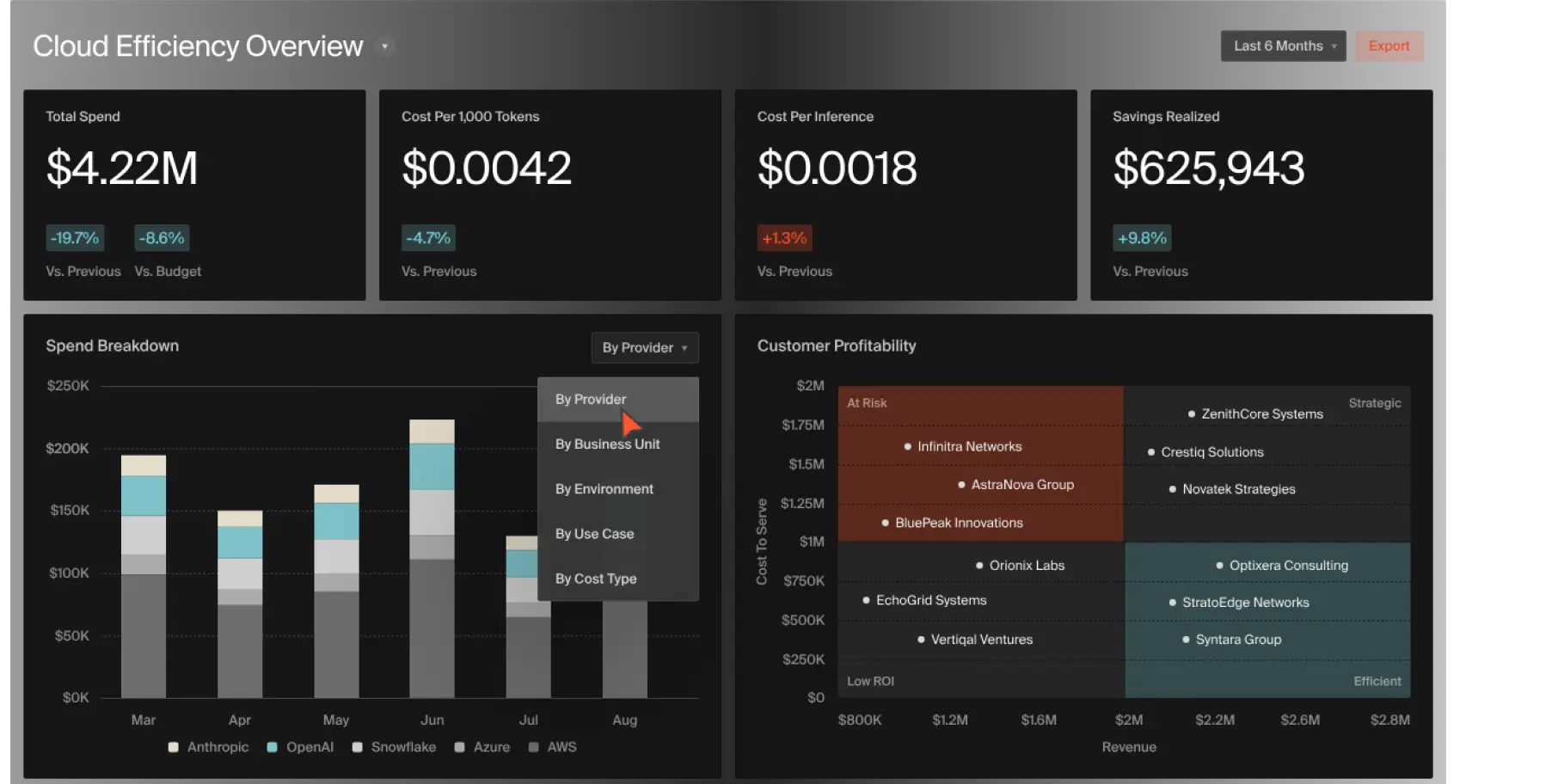
CloudZero excels at providing context-aware cost intelligence. It goes beyond merely displaying your spending and delves into displaying the reasons behind it. The platform disaggregates costs into actionable, business-relevant measures such as Cost per Customer, Cost per Feature, or Cost per Team.
This is particularly valuable for SaaS companies that need to understand unit economics. CloudZero can allocate 100% of your spend even in complex, untagged environments by analyzing your infrastructure relationships.

Harness integrates cloud cost optimization directly into your CI/CD pipeline. This enables developers to see the cost impact of their deployments in real-time. The AutoStopping feature automatically de-provisions idle non-production resources and restarts them on demand, eliminating waste from dev and staging environments.
Best for: DevOps teams that want cost visibility embedded in their deployment workflow.
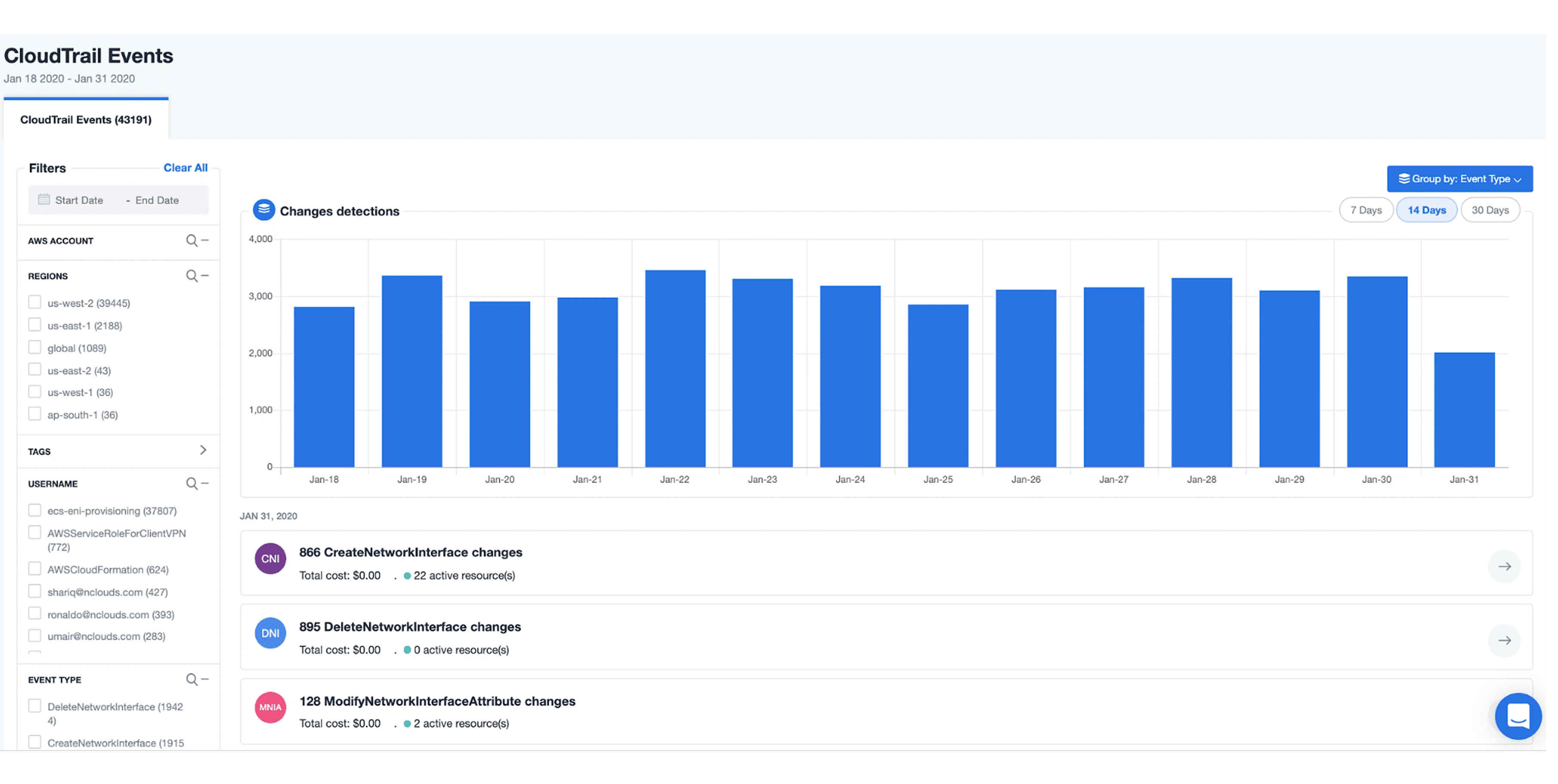
nOps is an AWS-focused platform that helps you continuously align with the AWS Well-Architected Framework. It uses machine learning to learn your usage patterns and then automates optimizations across cost, security, reliability, and performance.
Best for: AWS-native teams that want comprehensive optimization, including EKS cost optimization, beyond just cost management. If nOps is not the right fit, explore nOps alternatives for a broader comparison.
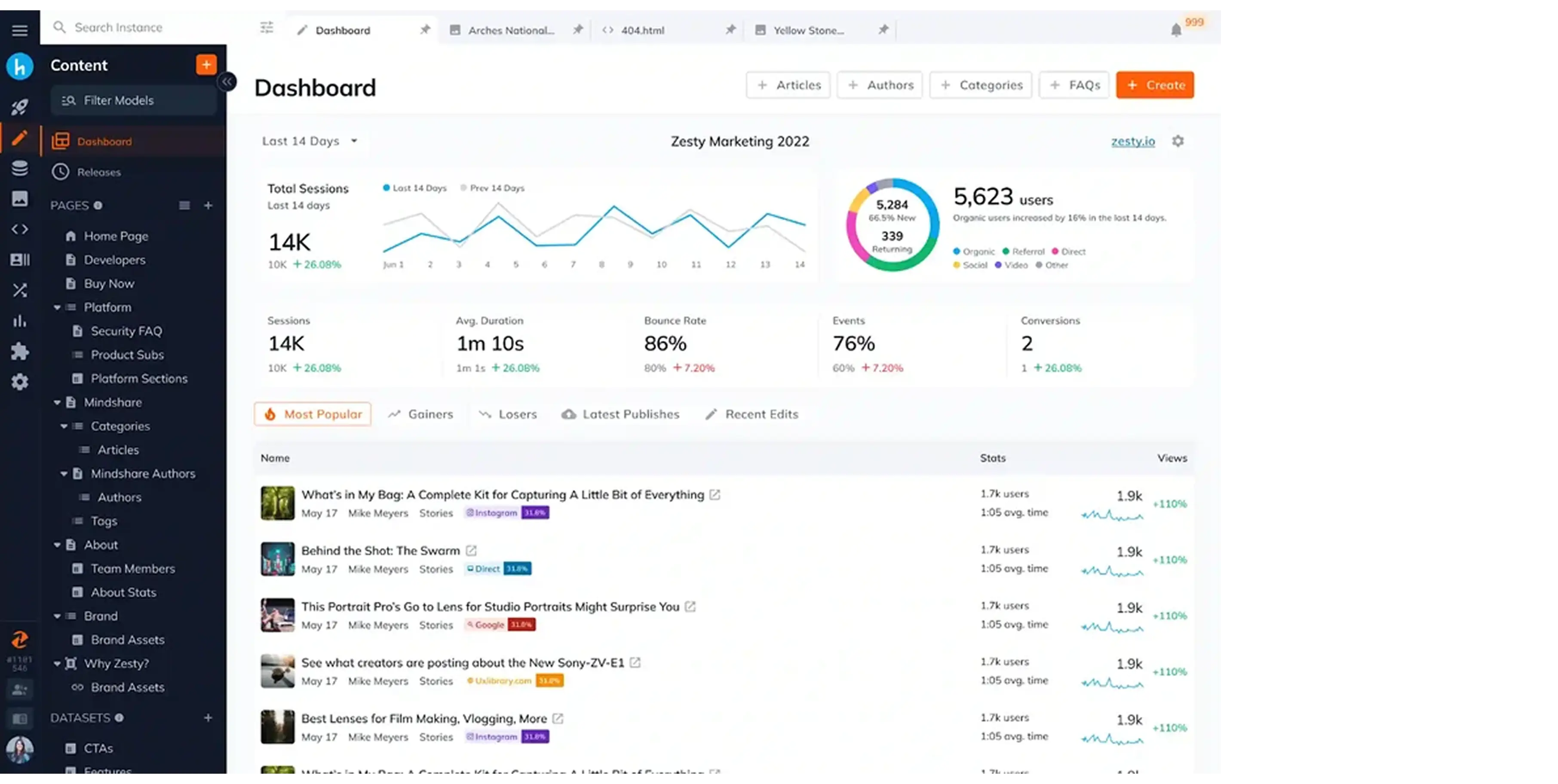
Zesty focuses on one of the most underserved areas in cloud cost management: dynamically adjusting Reserved Instance and Savings Plan commitments in real time. Unlike static RI purchases, Zesty continuously monitors your usage and automatically modifies your commitment portfolio to minimize waste and maximize discounts.
Where CAST AI leaves a gap, no commitment management, Zesty fills it. The platform analyzes historical usage patterns and automatically moves capacity between on-demand, Reserved, and Spot pricing tiers as your workload shifts. This is particularly valuable for teams with unpredictable traffic patterns or seasonal spikes.
Key features:
Best for: Mid-to-large teams spending $50k+/month on AWS who want to maximize Reserved Instance efficiency without dedicating engineering resources to manual commitment management.

Densify rebranded to Kubex in January 2026, making this one of the most under-covered rebrandings in the cloud cost space; most competitor comparison pages still reference the old name. Kubex uses machine learning to analyze workload behavior and recommend precise resource sizing for containers, VMs, and cloud databases.
Kubex's approach is methodology-first. Rather than applying blanket rightsizing rules, it builds a behavioral model of each workload and recommends the exact CPU and memory allocation that delivers the right performance at the lowest cost. This reduces over-provisioning without the risk of under-provisioning spikes.
Key features:
Best for: Platform engineering teams that want data-science-grade rightsizing recommendations rather than heuristic-based rules, especially for complex multi-service architectures.
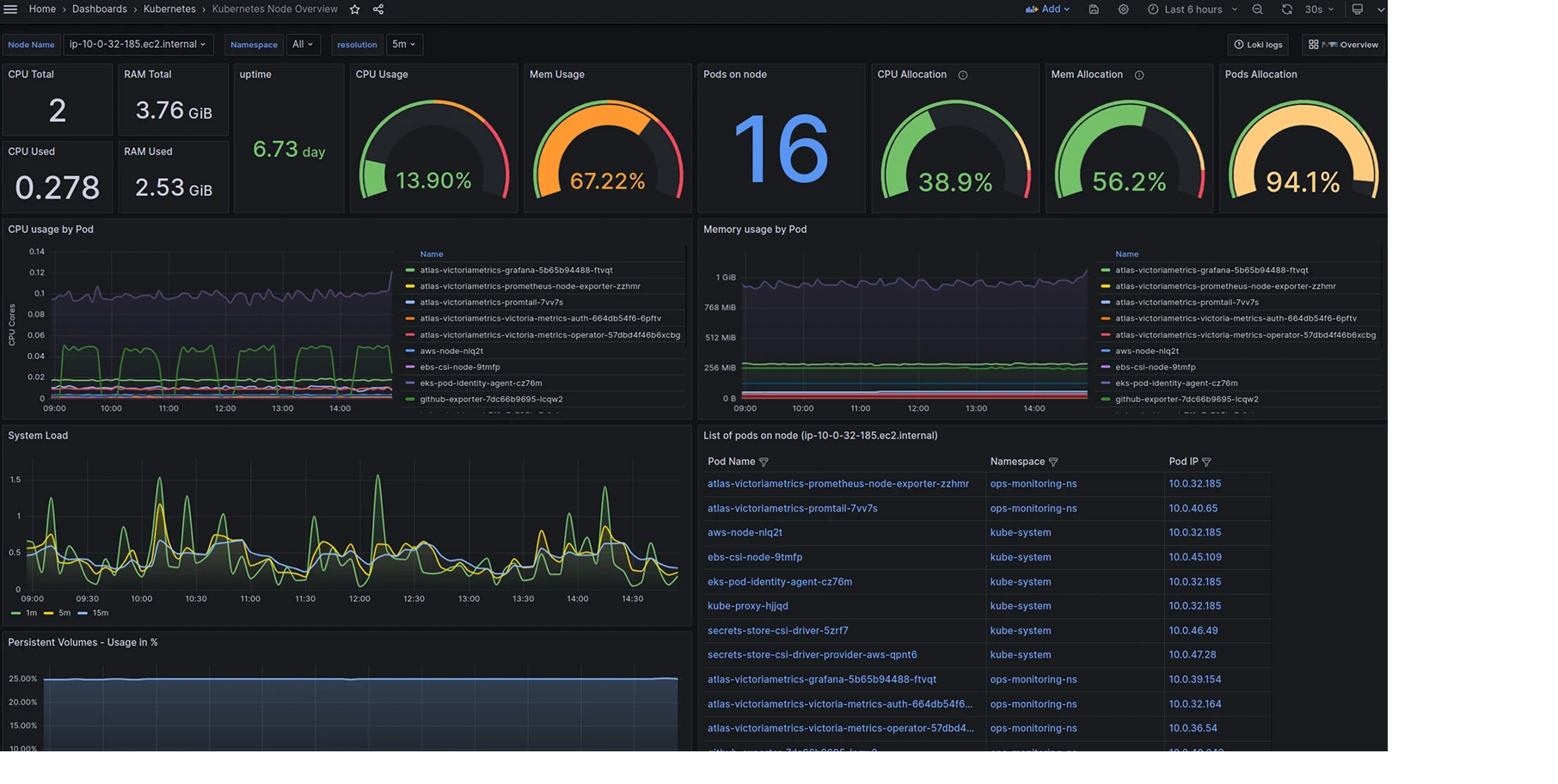
Karpenter is an open-source Kubernetes node provisioner built by AWS and now maintained by the CNCF. If your concern with CAST AI is specifically the vendor lock-in created by replacing your Cluster Autoscaler, Karpenter is the most direct alternative — and it is free.
Karpenter provisions right-sized compute resources in seconds by directly interacting with your cloud provider's APIs. It selects the most cost-efficient instance type and size for pending pods, and it supports Spot Instances natively. Unlike CAST AI, it does not replace your control plane; it works alongside Kubernetes natively.
Key features:
Best for: Engineering teams that want to eliminate Cast AI's vendor lock-in risk and are comfortable self-managing their node provisioning. Ideal for "cast ai alternatives multi-cloud" searches where cost is a key constraint.
The Kubernetes cost optimization market broadly splits into two categories.
These tools actively make changes in real time. They scale nodes, replace instances, and optimize aggressively without requiring human approval.
Pros
Cons
CAST AI and Spot.io primarily fall into this category. Teams running GKE cost optimization workloads should be especially cautious, as execution-first tools can conflict with GKE's own node management if not configured carefully.
These tools focus on cost transparency, allocation, and recommendations. Engineers decide what actions to take.
Pros
Cons
Kubecost is the most well-known example here.
The challenge is that most real-world teams need something in between.
Choosing the cloud cost optimization tools that suit your team depends on your current bottlenecks. Are you over-provisioning because your engineers are afraid of downtime? Or are you simply using the wrong instance types?
For those on AWS, a simple guide to reduce AWS cost often starts with looking at your S3 usage. Moving data to the right storage class, like S3 Standard, can save thousands before you even touch your Kubernetes clusters.
When comparing cast ai alternatives, consider these three factors:
Many CXOs find that they need more than just a dashboard. They need a partner that understands cloud computing examples in the real world, how a sudden spike in traffic affects your bottom line.
Costimizer excels here by providing a Kubernetes cost optimization platforms comparison that isn't just about the tech, but about the business impact. It allows you to set guardrails so that automation never compromises the user experience. This level of control is why many teams prefer it over more rigid platforms.
The goal of exploring cast ai alternatives isn't just to find a cheaper tool; it's to find a more sustainable way to manage your technology. Whether you are a CTO looking to free up your engineers or a founder trying to extend your runway, the right choice depends on your specific needs.
If you are looking for a Kubernetes cost optimization platforms comparison that prioritizes your business goals, it’s worth looking at how Costimizer handles the heavy lifting. By focusing on both Azure cost management and AWS, we ensure your entire stack is lean, not just your containers.
Managing cloud costs shouldn't be a full-time job for your best engineers. With the right AI-driven strategy, you can get back to building the products your customers love while the infrastructure takes care of itself.
No. We believe in transparent, predictable pricing. You pay for the value of the platform, not a "tax" on your ability to save money. This makes us one of the most popular cast ai alternatives for companies looking to scale predictably.
Most teams see actionable insights within 24 hours of connecting their clusters. Automation can be enabled gradually, starting with non-production environments to build trust.
Absolutely. Many of our clients use us alongside general visibility tools because they need the specific, deep-tier optimization that we provide for container infrastructure.
You are always in control. You can set strict guardrails on which instance types can be used, define minimum availability levels, and choose between fully automated or "recommendation-only" modes.
•
CTO•
Articles