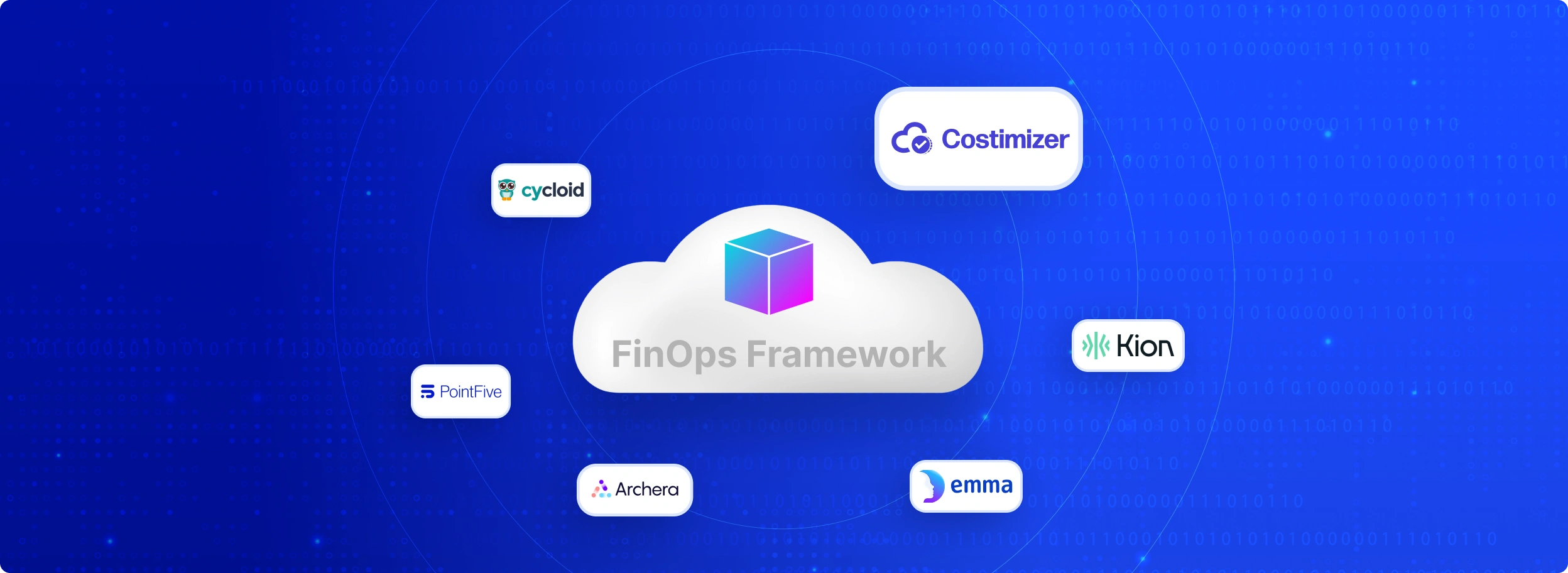
FinOps tools are cloud financial management platforms that combine engineering usage data, billing signals, and automation workflows, giving finance, operations, and engineering teams a shared, actionable view of cloud spend across AWS, Azure, GCP, and Kubernetes environments. The best FinOps tools go beyond reporting: they allocate costs to specific teams and products, detect anomalies before bills escalate, purchase Reserved Instances algorithmically, and rightsize infrastructure autonomously without requiring manual engineering effort. Organisations implementing FinOps tools typically reduce cloud spend by 20–30% in the first year by eliminating idle resources, optimising commitment purchases, and enforcing tagging governance, though most platforms plateau in year two once obvious waste is eliminated, making automation depth the critical differentiator when choosing a platform in 2026. This guide compares the 21 best FinOps tools, categorised by automation level, primary use case, cloud provider coverage, and team type.
It also shows why some platforms lose value after the first year and how modern FinOps teams are moving beyond dashboards into real cost control and automations.
Key Takeaways:
Before you spend money on new software, you must understand your current problem. Many companies rush to buy expensive third-party platforms without first understanding the fundamentals of FinOps cloud cost optimization, which leads to poor tool selection. They assume a high price tag guarantees savings. This is often false. The decision to build your own dashboard or buy a pre-made system depends heavily on your team's size and your engineering capacity.
Legacy FinOps platforms are famous for a specific lifecycle. In the first year, these platforms show massive returns on investment. They scan your cloud accounts and find "low-hanging fruit." These are obvious mistakes like zombie infrastructure, unattached IP addresses, or servers running test environments.
Your team fixes these obvious errors. You save a lot of money quickly.
However, organizations frequently struggle to justify the high subscription costs in year two. Once the easy savings dry up, the tool mostly acts as an expensive reporting dashboard. You pay a percentage of your total cloud spend to the vendor, but the active savings slow down.
This Year 2 Problem forces CFOs to ask whether a six-figure software contract is still necessary just to look at charts.
Because of the high costs of third-party vendors, many engineering teams build their own cost-tracking systems. FinOps experts call this the "DIY" or "hacker" stack. It requires technical effort but costs almost nothing in software licensing.
In Amazon Web Services (AWS), this process starts with the Cost and Usage Report (CUR).
The CUR is a massive, highly detailed dashboard of every single charge your company incurs. Engineers export this CUR file automatically into a cheap storage bucket (Amazon S3).
They then use a tool called Amazon Athena to search through that massive file using standard database queries. Finally, they connect Amazon QuickSight to turn those query results into visual charts.
Microsoft Azure offers a similar native path. Teams use Azure Cost Management to export their billing data directly into Microsoft Power BI.
This creates custom executive dashboards without paying external software vendors.
You should pay for external software when manual processes break down, especially as your organization evolves across the FinOps maturity model from basic visibility to automation. If your team spends more time creating cost reports than building products, you need external help. Other clear triggers include:
To find the best cloud cost management tools for FinOps teams in 2026, you must match the software to your specific business problem. We have categorized the top platforms based on actual use cases. We explain what they do, the direct benefits, and why you might choose them.
Dashboards show you the problem. Automated tools actually fix the problem. These popular FinOps tools for cloud cost management in 2026
The problem with most cost tools is that they only send alerts. Your engineers still have to log in and manually fix the servers. Costimizer solves this by using Agentic AI to automate cloud cost optimization. It finds wasted money and actively corrects the infrastructure without breaking your application.
It handles rightsizing and auto-parking idle infrastructure automatically. It enforces strict budgets across AWS, Azure, or GCP.
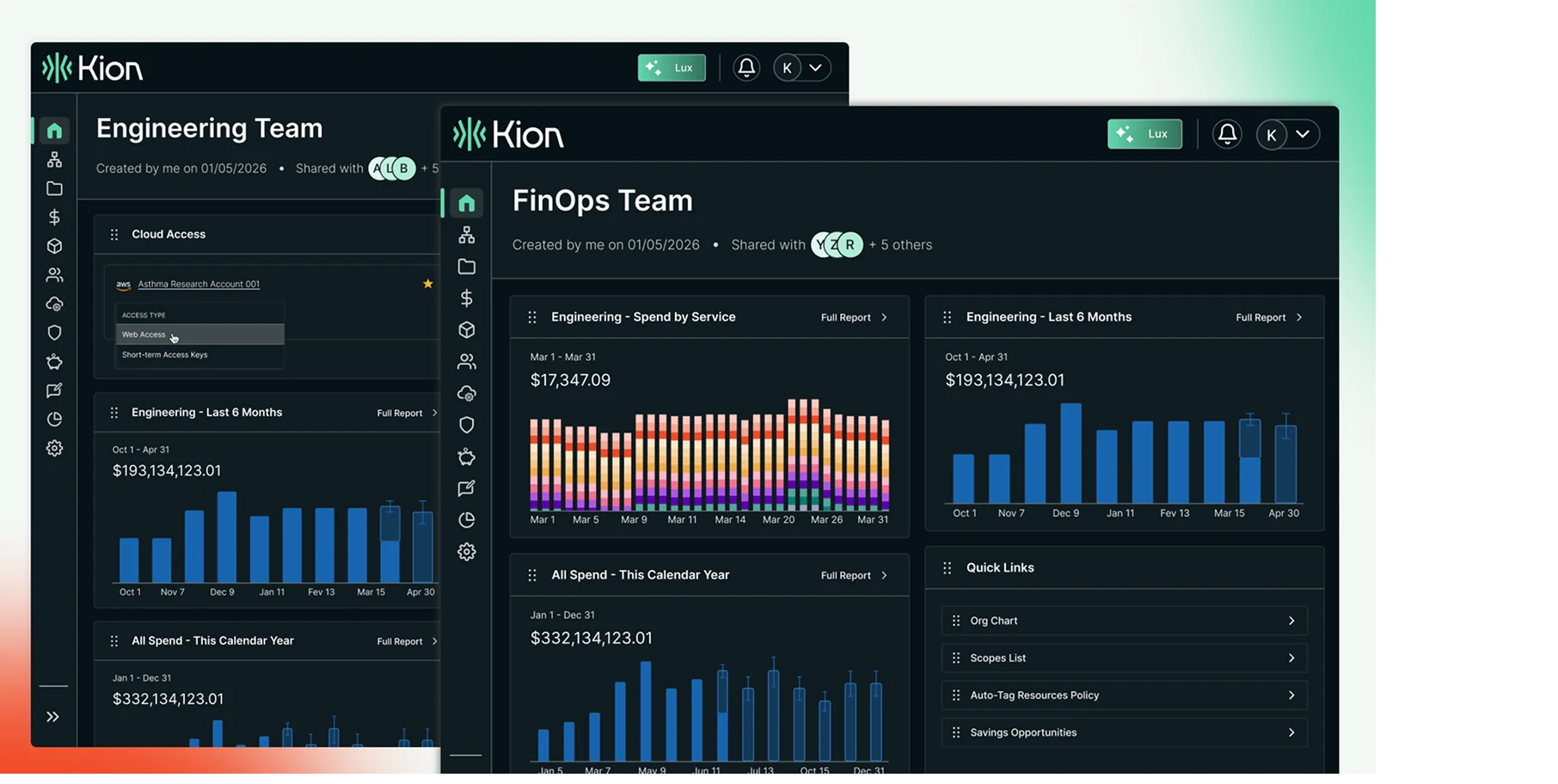
Kion goes beyond simple cost tracking by integrating deep security and compliance policies. It uses Model Context Protocols (MCP) and Generative AI like Claude Desktop. This allows users to ask cost questions in plain English and automatically generate financial policies.
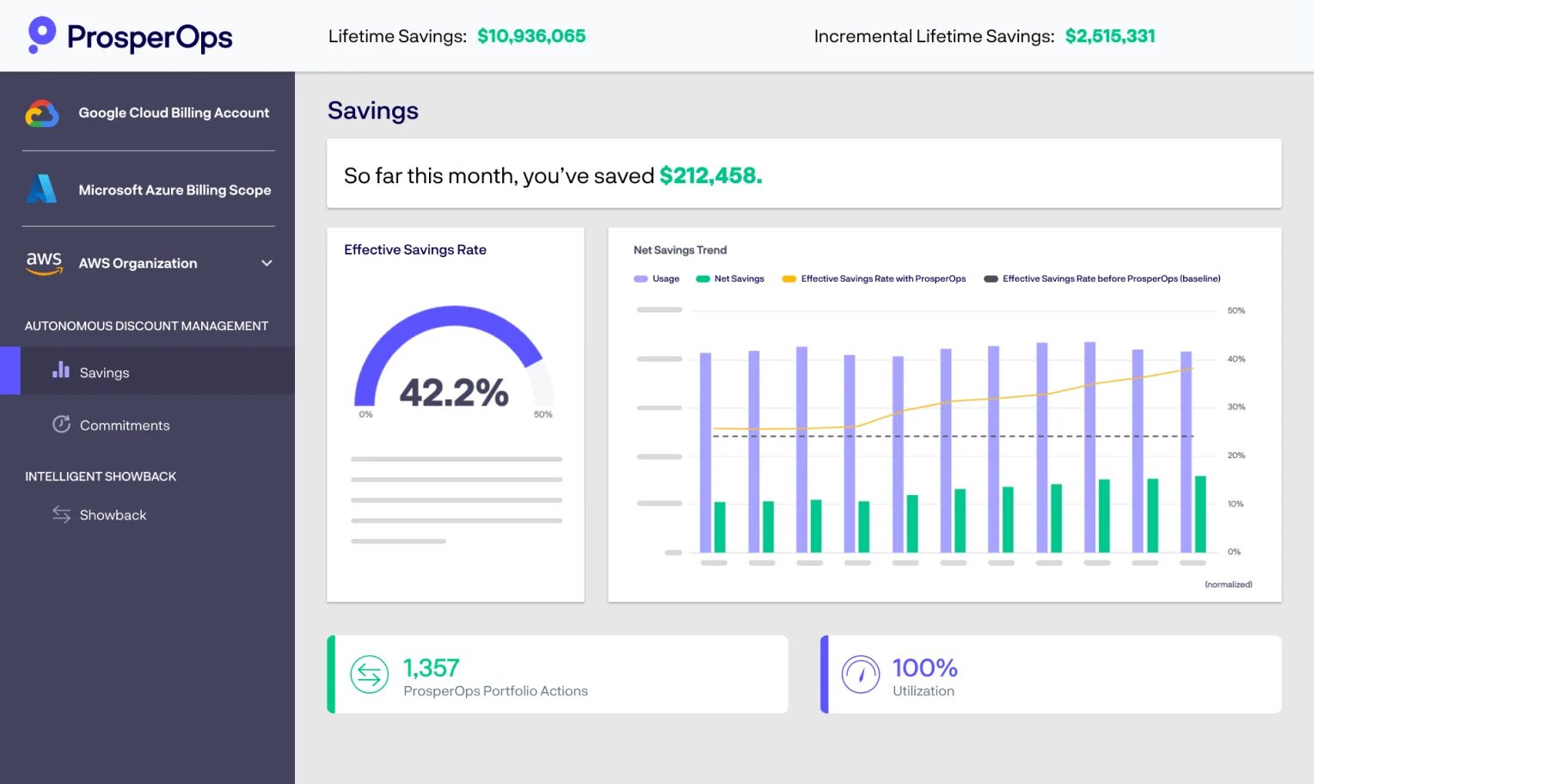
Buying discount plans from cloud providers is complicated. ProsperOps removes human error from this process. It algorithmically manages Reserved Instances (RIs) and Savings Plans. It constantly buys and trades discount commitments to match your exact server usage.
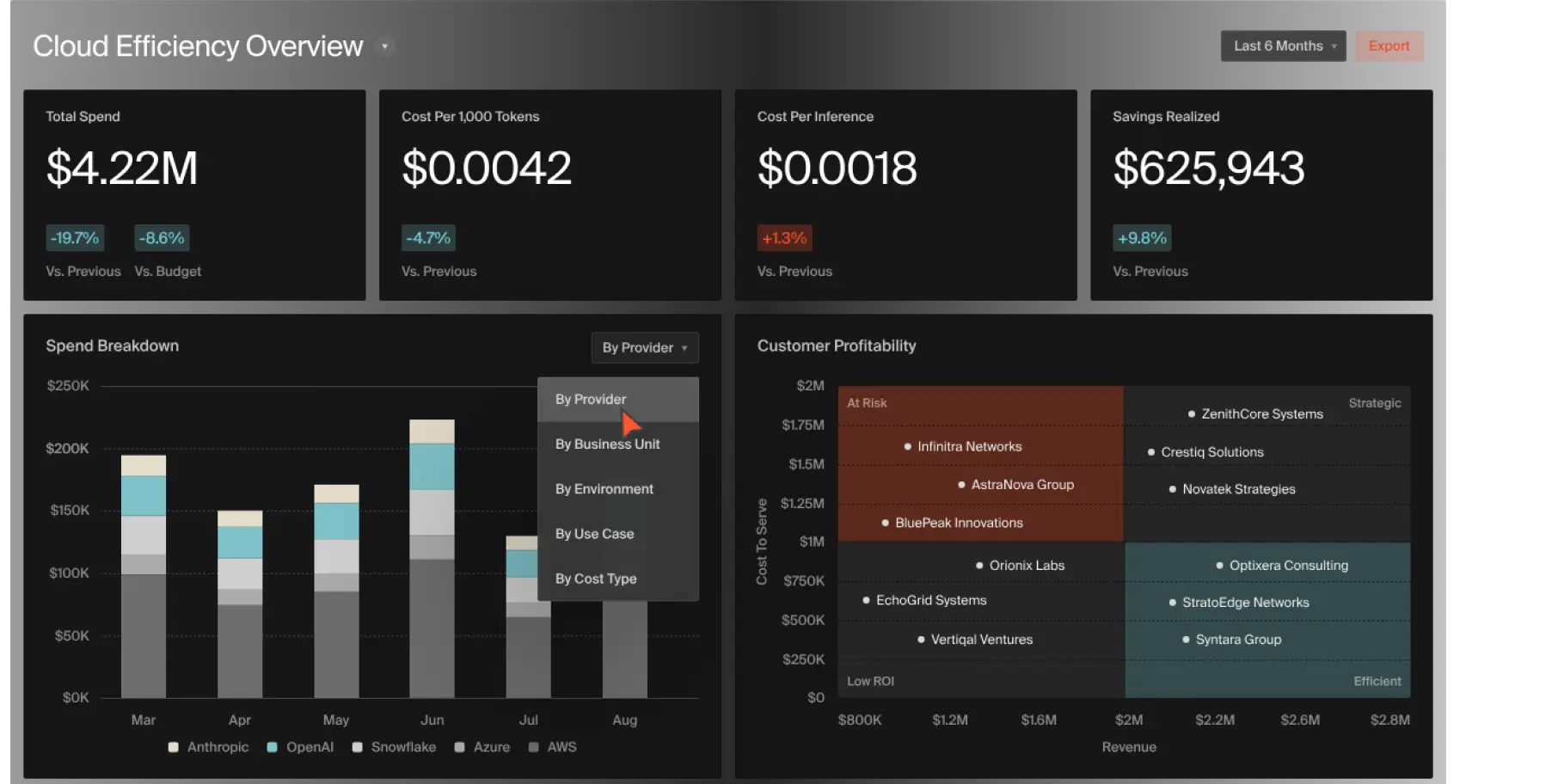
Engineers often ignore cost metrics because the data does not relate to their daily work. CloudZero translates billing lines into software features. It maps cloud costs directly to unit economics. You can see exactly how much it costs to run a specific feature or support a specific customer.
Massive corporations with complex internal accounting need heavy-duty platforms. These AWS FinOps tools and Azure FinOps tools handle massive data sets.

Apptio is a traditional powerhouse for large businesses moving from data centers to the cloud. It specializes in Cost Allocation and Chargeback. It helps central IT departments bill individual business units for their exact cloud usage.
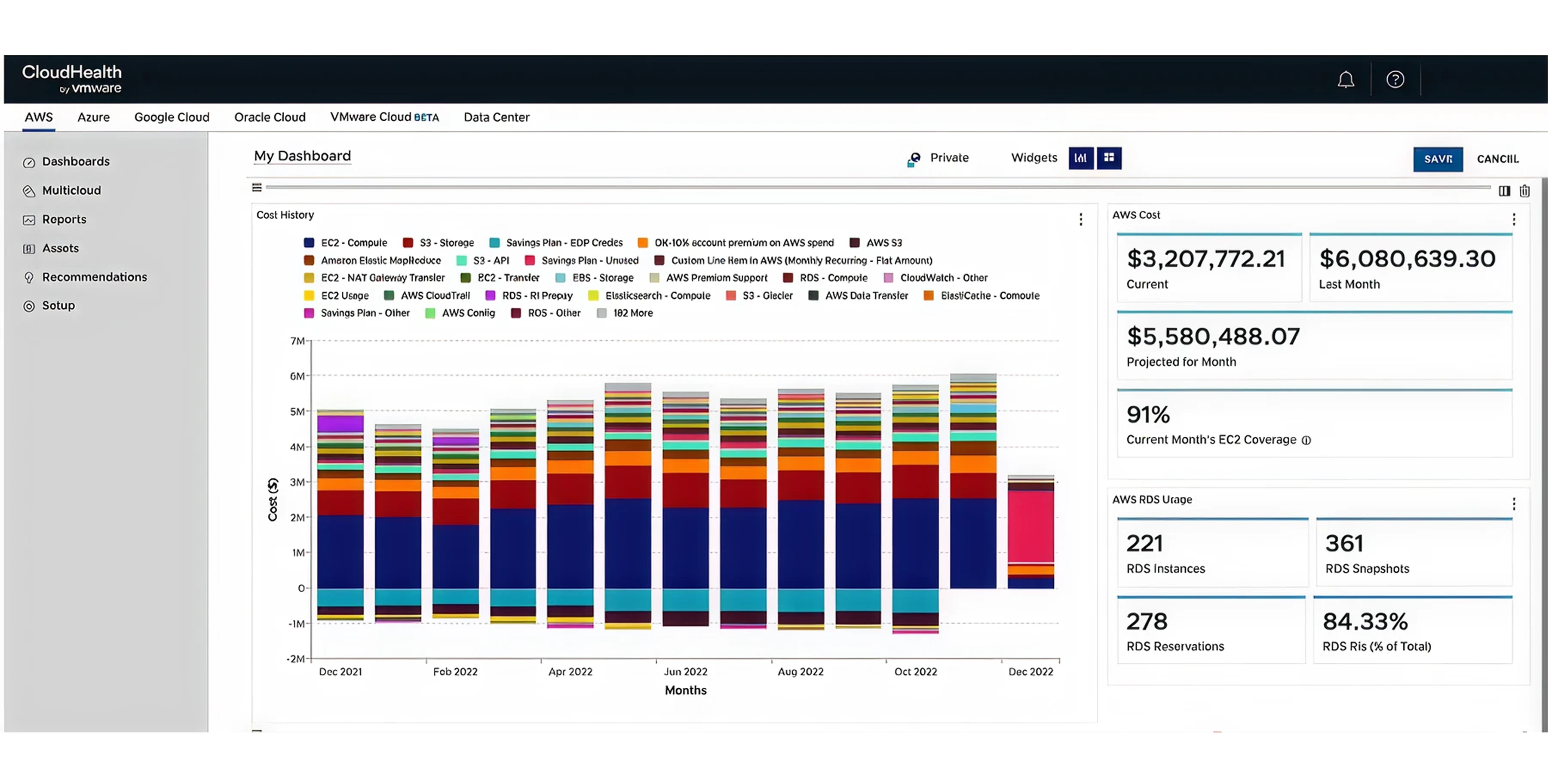
CloudHealth has managed massive cloud environments for years. It offers enterprise-grade governance. It sets up rigid rules for how cloud resources should be purchased and monitored.

Large companies rarely operate 100% in the cloud. They have physical servers and traditional software licenses. Flexera combines public cloud spend with traditional IT asset management. It looks at your entire technology budget.
Modern startups spread their applications across multiple providers. They use container technology like Kubernetes, which confuses traditional billing tools. These GCP finops tools and multi-cloud platforms solve that issue.
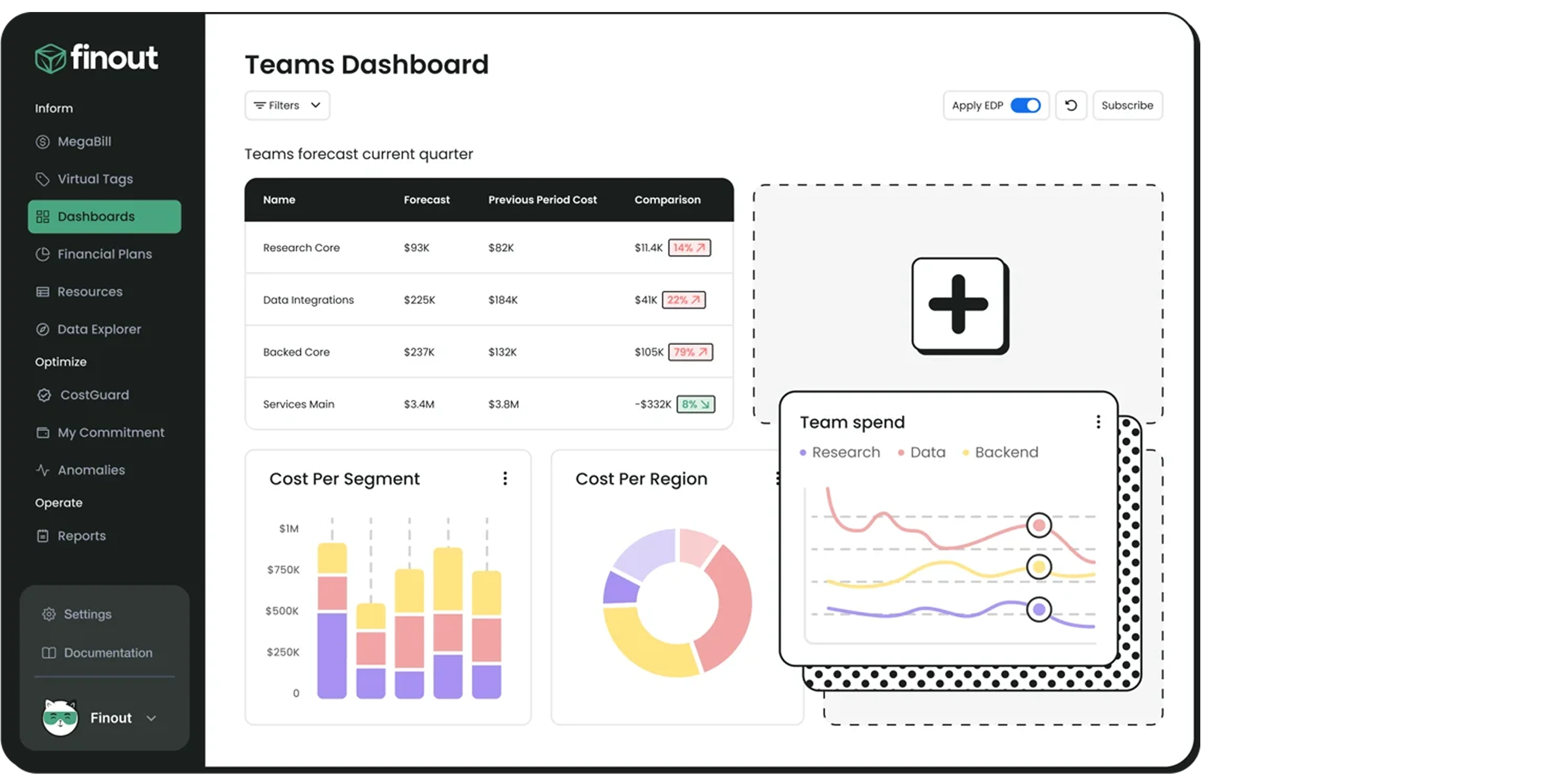
Companies use many different tools to run their business. Finout combines those different bills into one screen. Famous for its "MegaBill" technology. It consolidates AWS, GCP, Azure, Datadog, Snowflake, and other third-party SaaS tools into a single financial view.
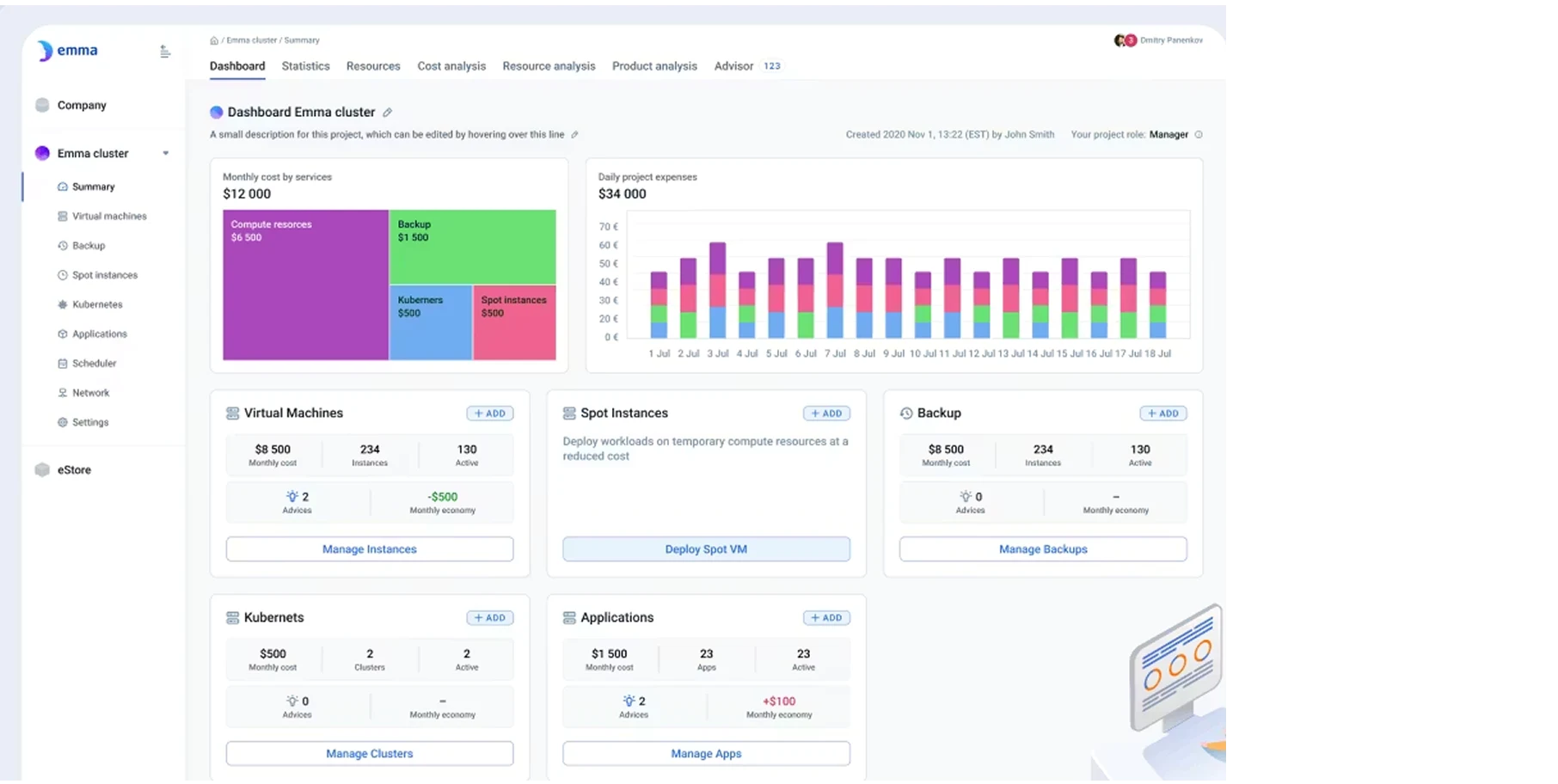
Managing workloads across multiple cloud providers is incredibly difficult. Emma acts as an abstraction layer. It helps you manage heavy Kubernetes usage and complex multi-cloud deployments seamlessly.
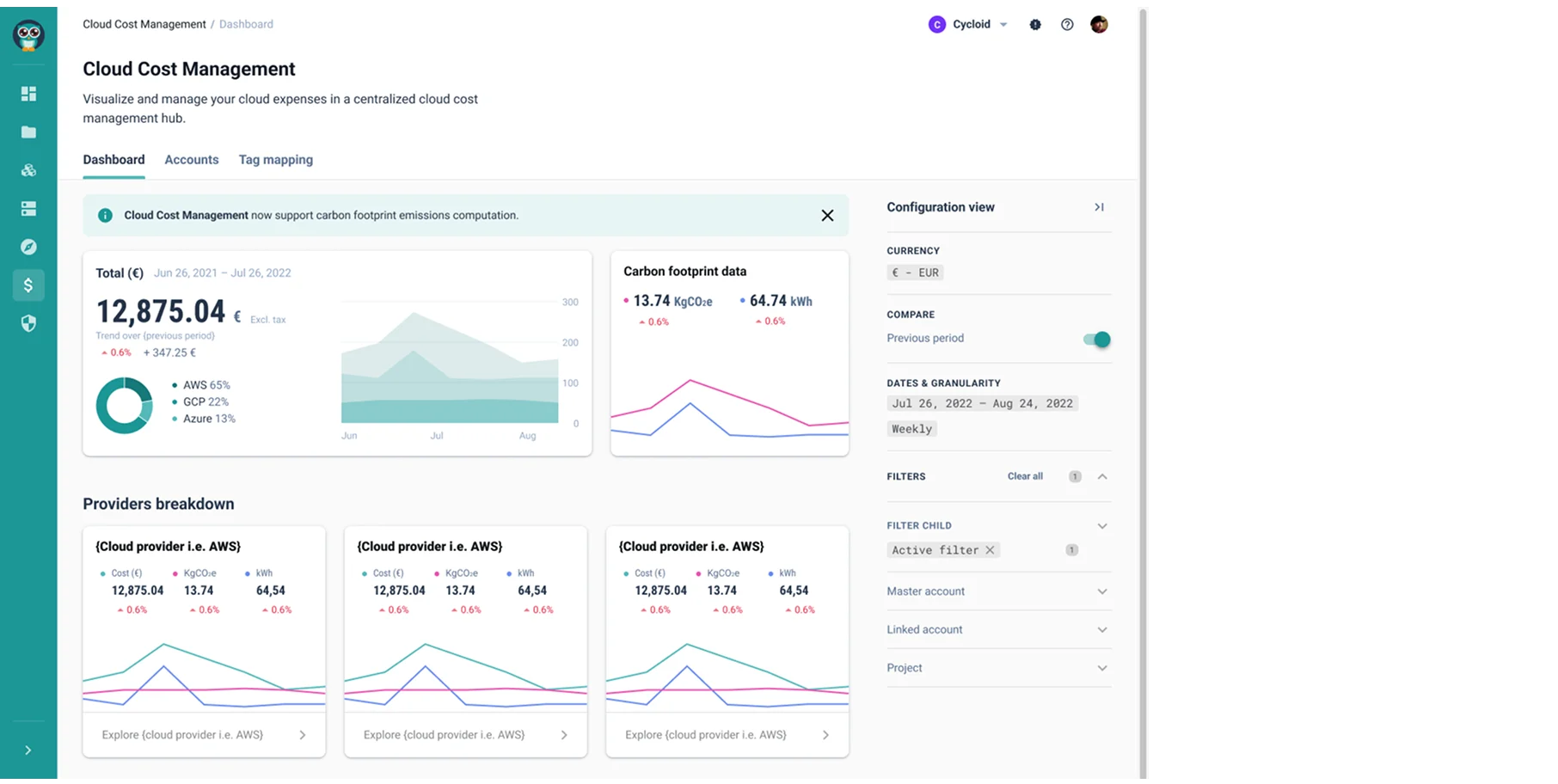
Most cost tools tell you about a mistake after you make it. Cycloid prevents the mistake from happening. It bundles cost tracking directly into the infrastructure deployment process. It forces engineers to see the price tag before they hit the launch button.
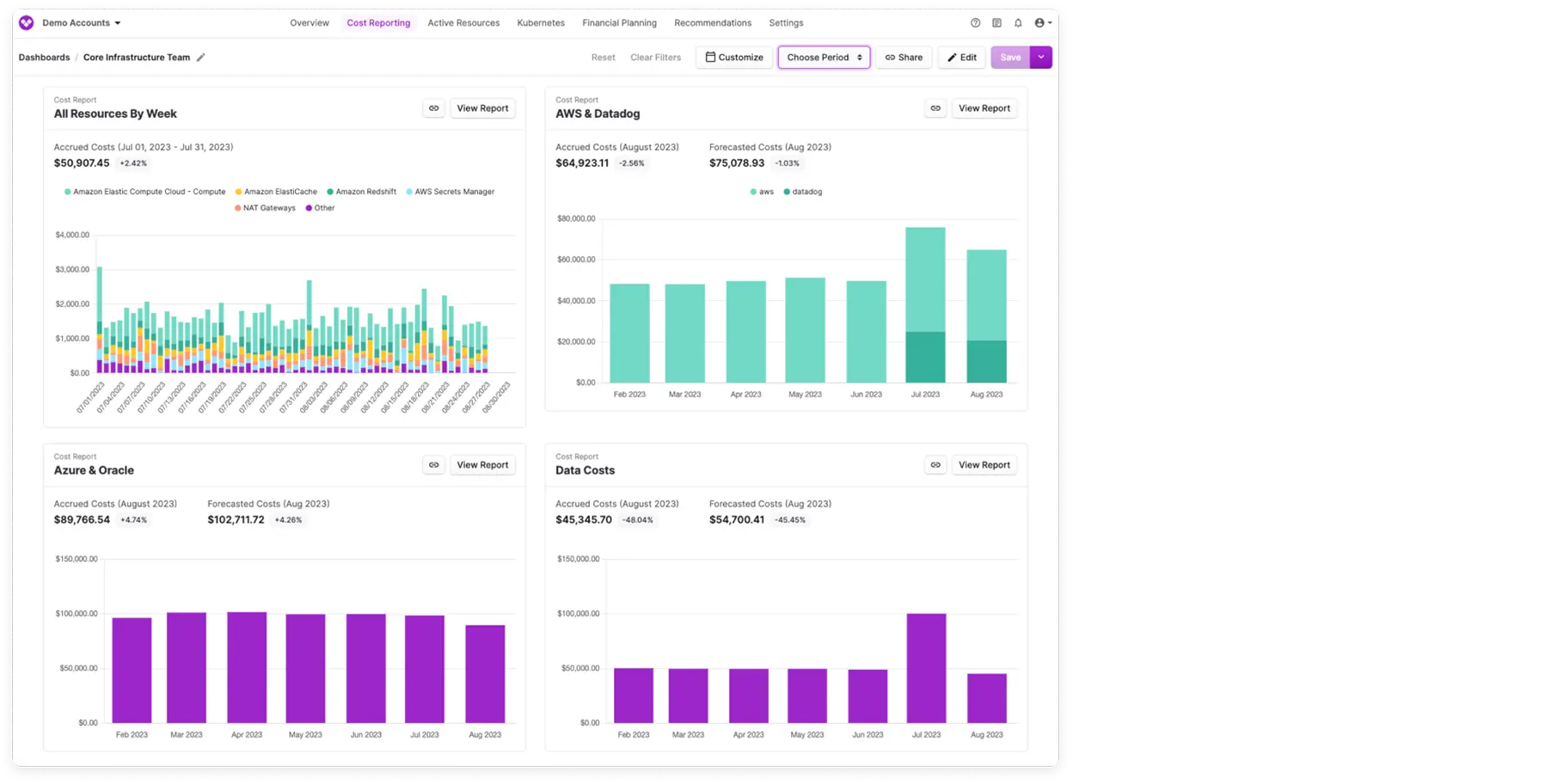
Vantage focuses on speed and developer experience. Strong price re-rating features. It automatically ingests raw costs across dozens of integrations.
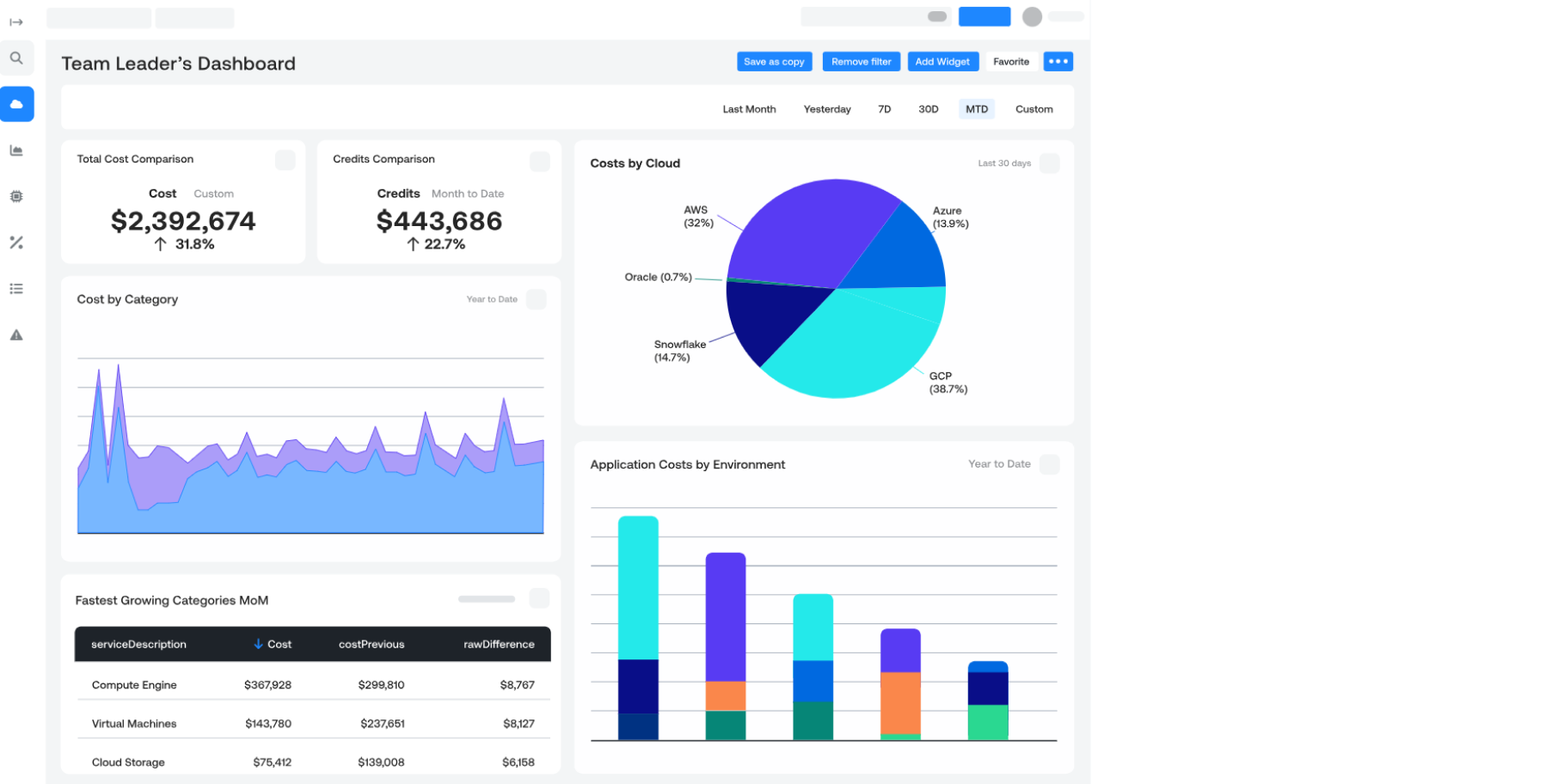
While many tools treat Google Cloud as an afterthought, Ternary built its foundation there. Built specifically for Google Cloud Platform (GCP) first. It offers excellent multi-cloud visibility and cross-team collaboration tools.
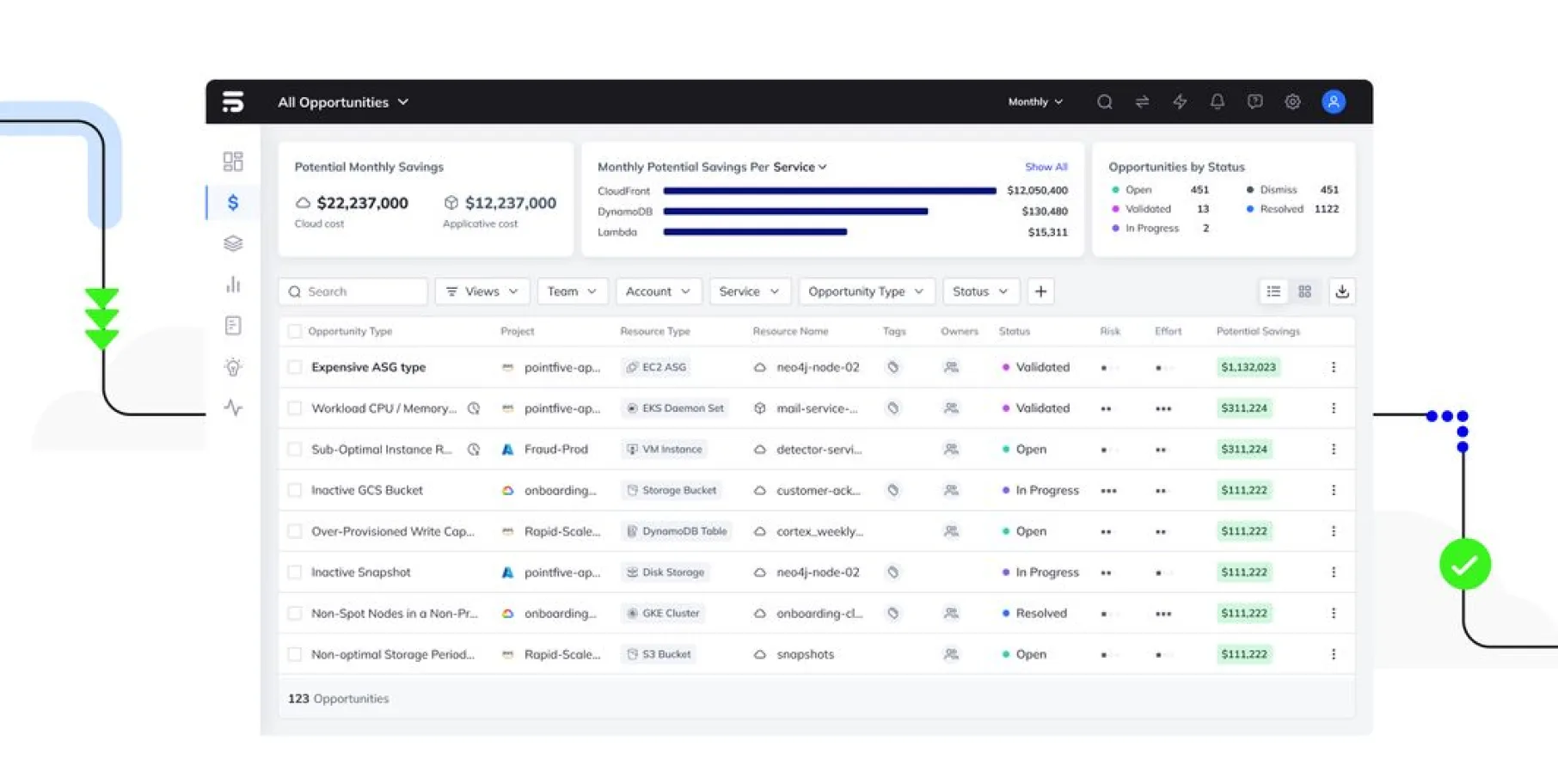
Teams need fast answers. PointFive focuses on speed to value. Provides deep, actionable insights for modern cloud architectures with very quick onboarding.
IT consulting firms and Managed Service Providers face unique billing challenges. They must divide one massive cloud bill among dozens of different clients securely.
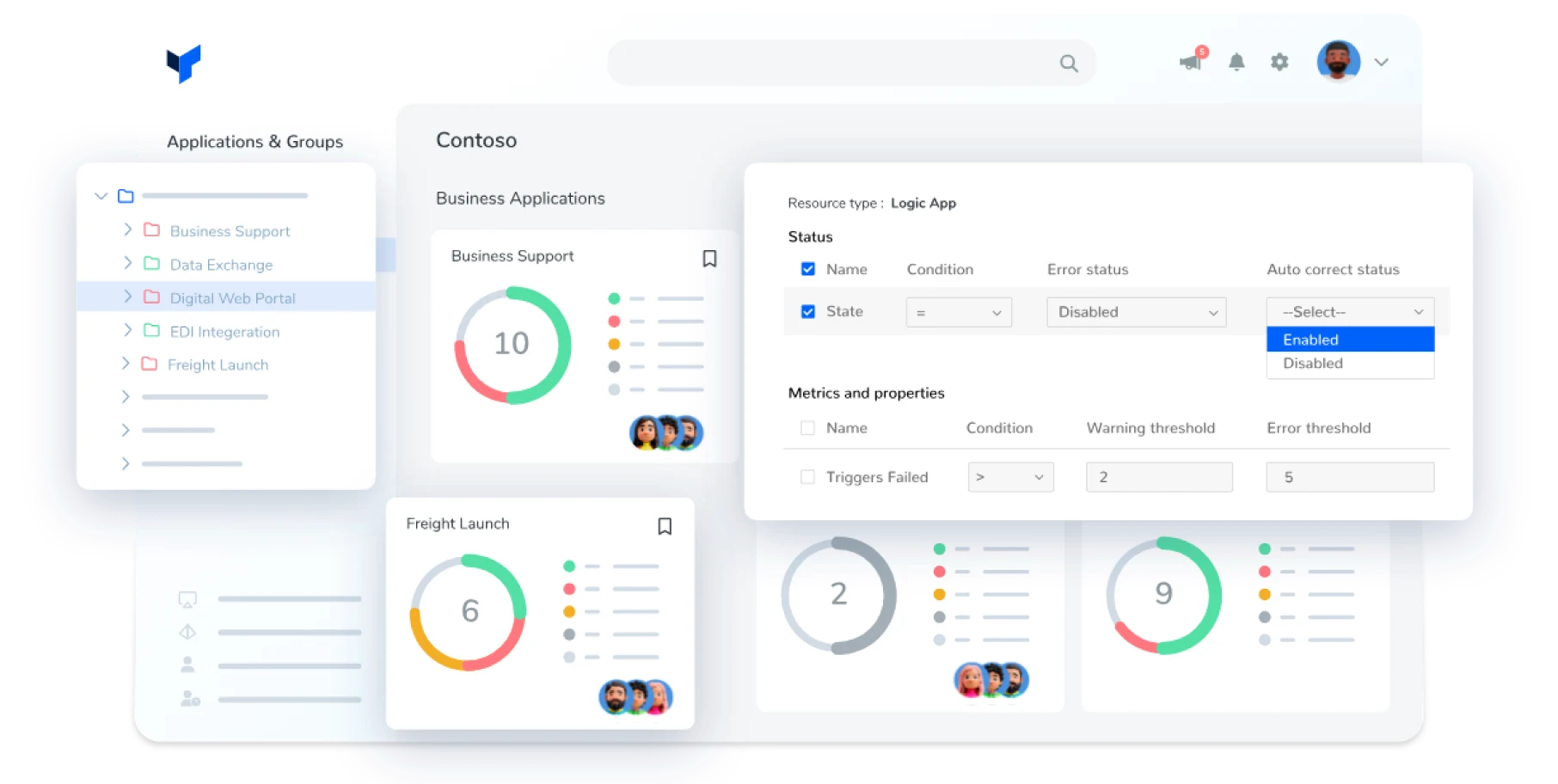
MSPs struggle to figure out which client used which server. Highly recommended for MSPs managing multiple tenants on Azure. It offers excellent Virtual Tagging when native tagging is broken or limited.
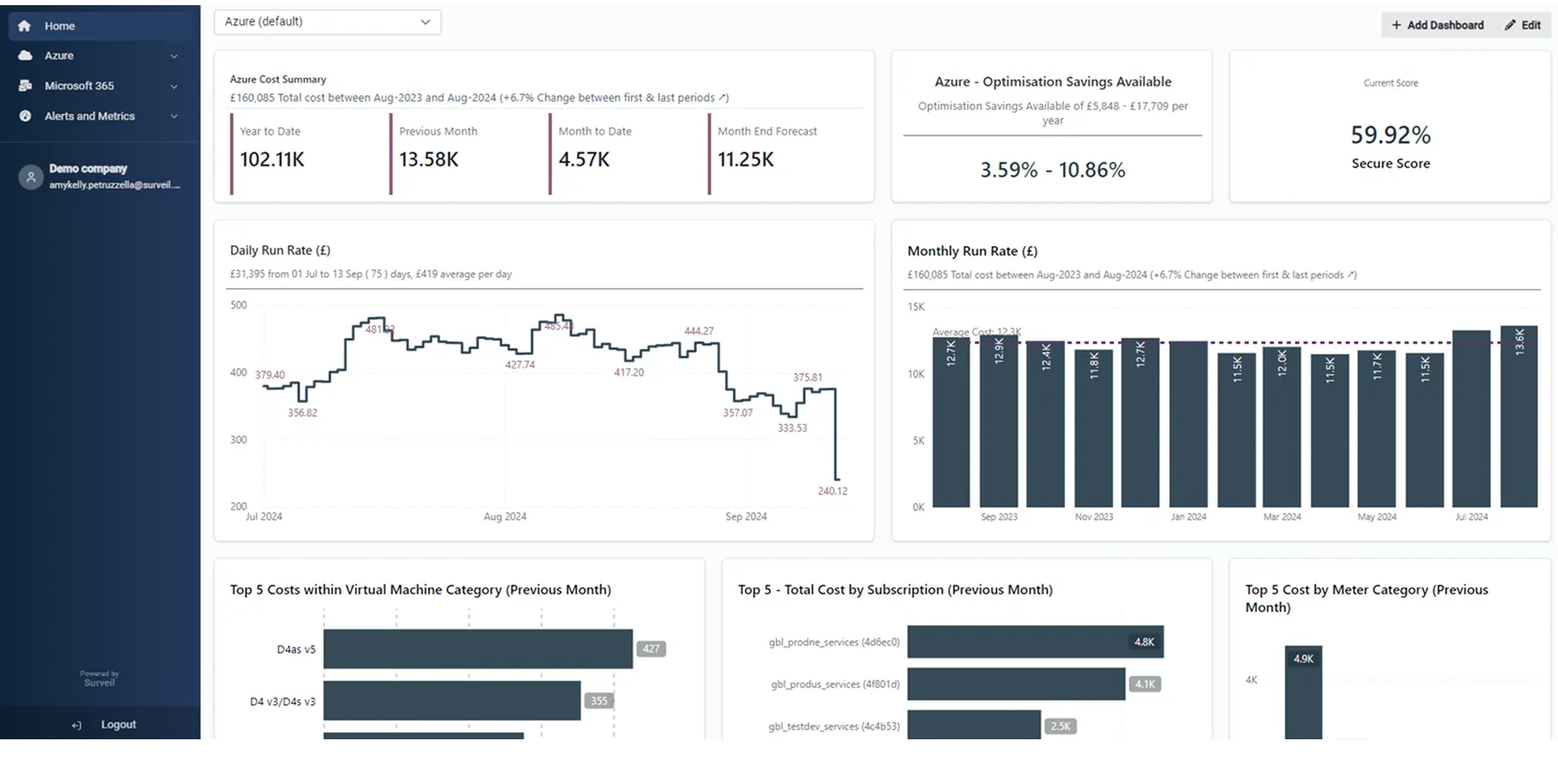
Microsoft partners need specific insights to manage their clients properly. Deep, granular visibility tailored explicitly for Azure environments.
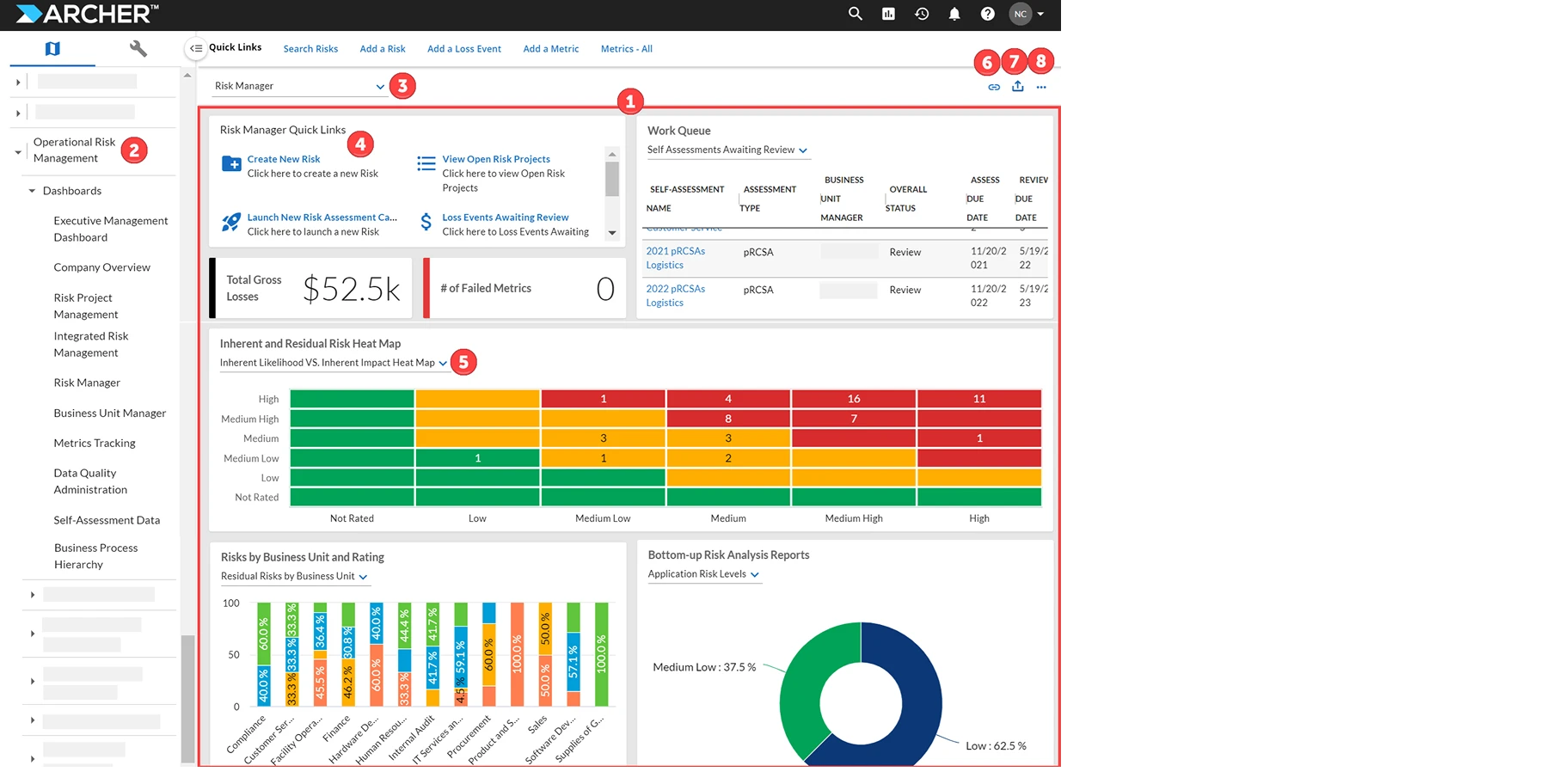
Buying long-term server contracts is risky if your business changes. Archera acts like insurance for your cloud commitments. It is excellent for short-term reservation management and forecasting.
Executives want to know if their cloud spend is generating profit. Yarken aligns every dollar spent with actual business value and product margins.
Sometimes the best tools are the ones you already have. These free or native options form the foundation of cloud cost management.

Amazon provides basic tools inside every account. The baseline for AWS cost visibility. It provides simple anomaly detection and spending guardrails. ( AWS cost explorer )
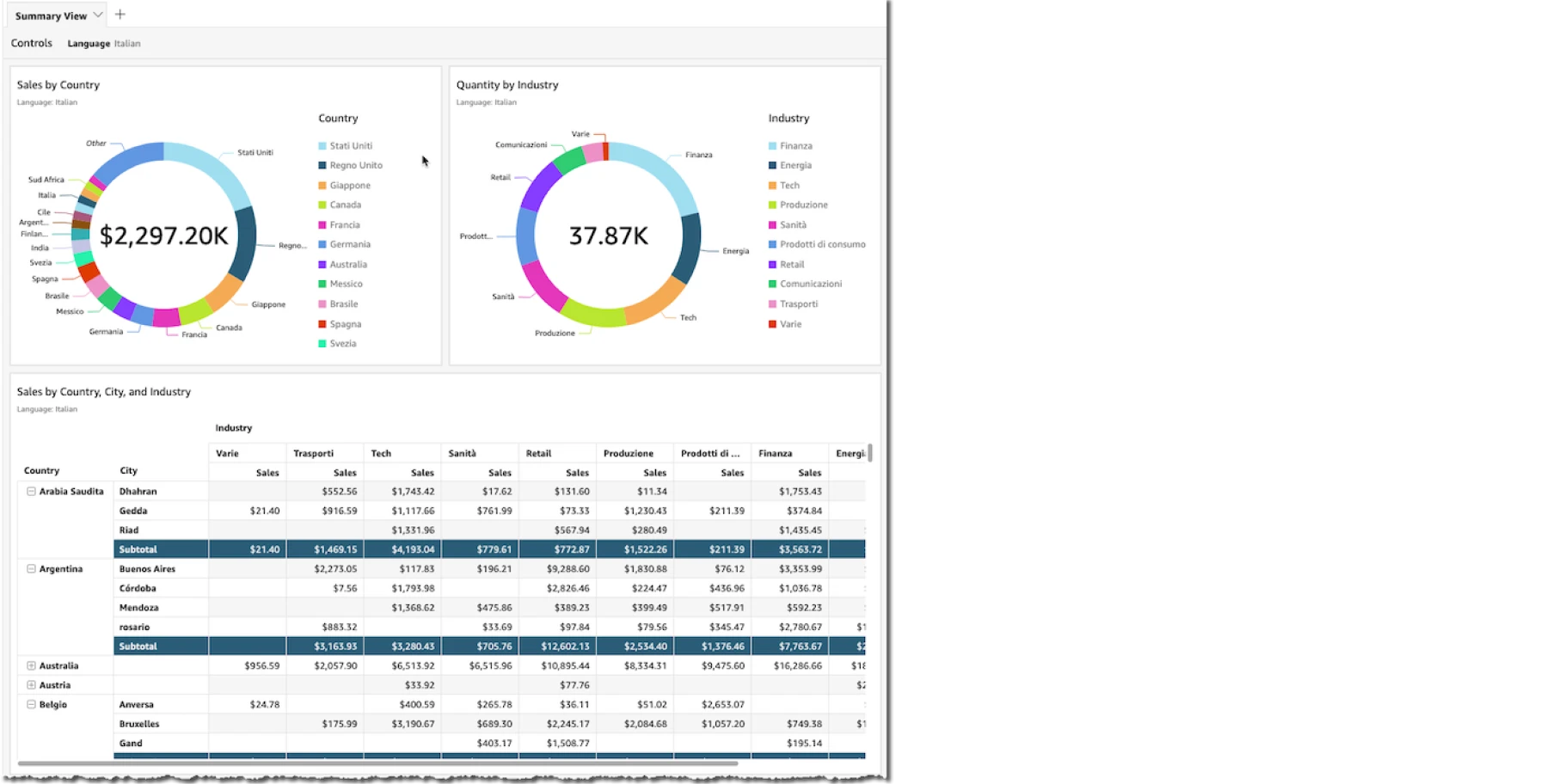
This is the combination used to build internal platforms. It's the backbone of custom, in-house FinOps budget tools. It leverages massive CUR datasets for total data control.
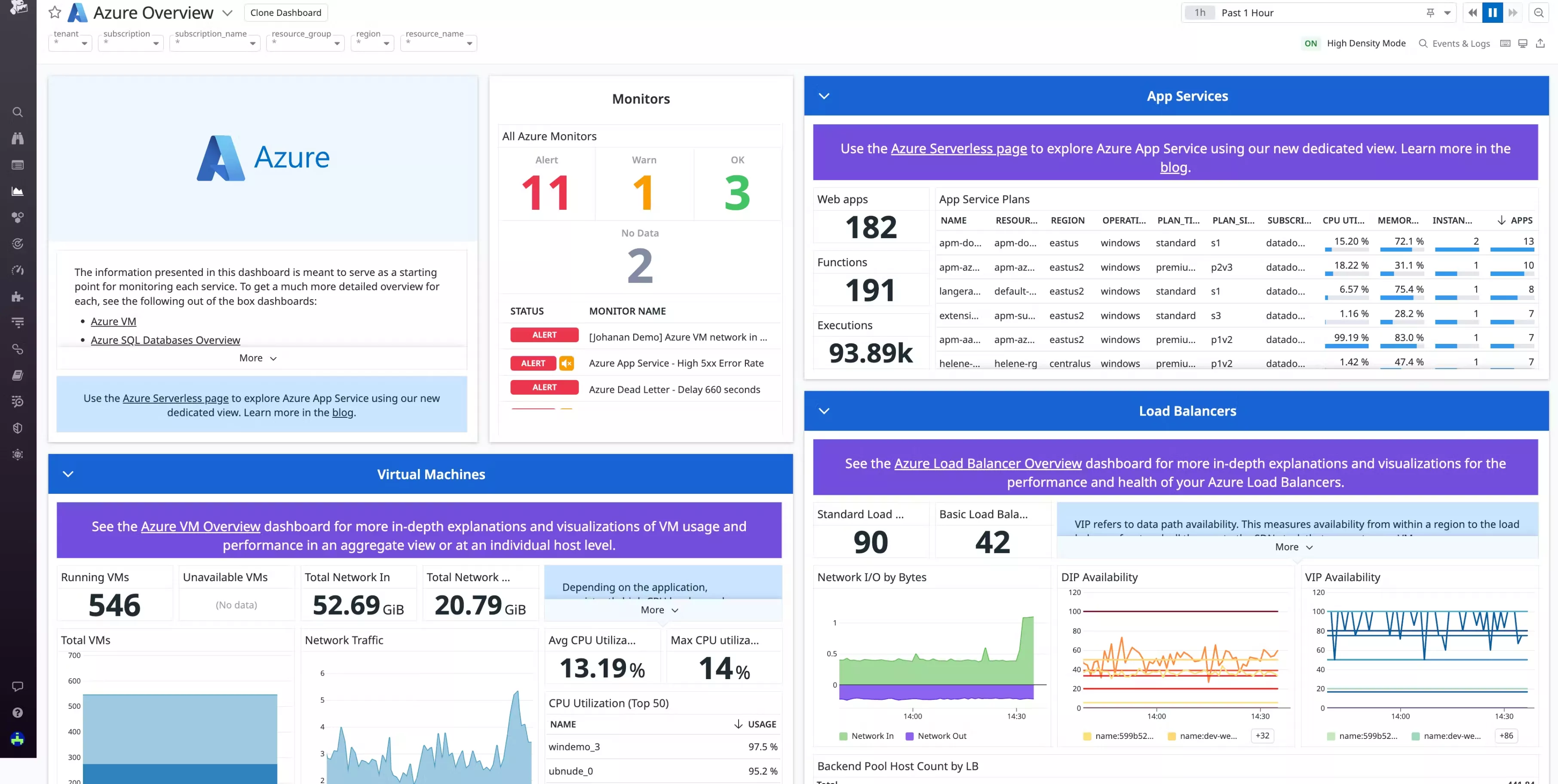
Microsoft offers a direct path from billing data to visual reports. Microsoft’s native combination for tracking Azure spend, setting budgets, and creating executive dashboards.
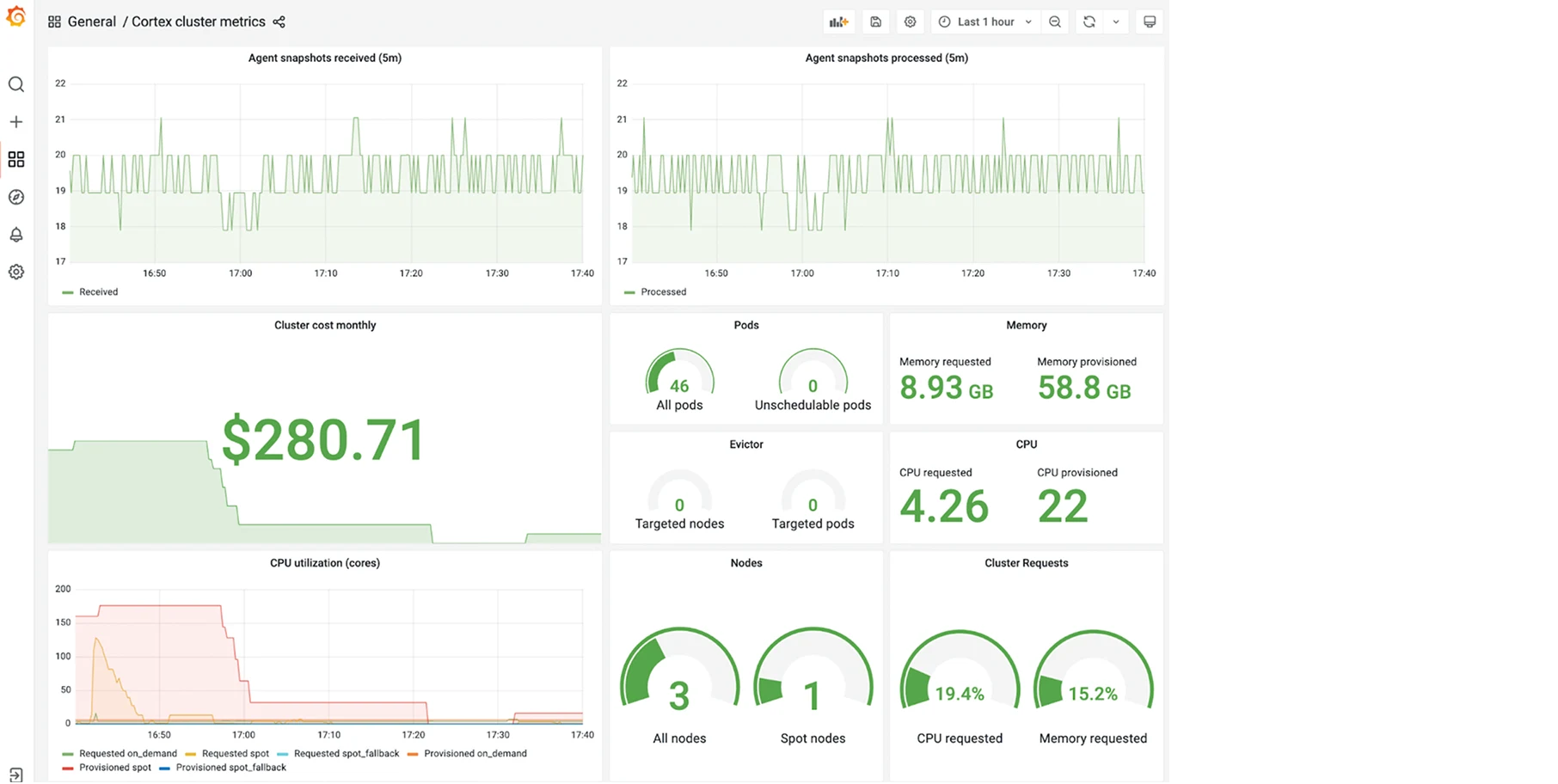
The open-source community provides free templates for cost management., The FinOps Toolkit offers pre-built templates and scripts. Grafana provides the visualization layer for teams building custom operations
Software alone will not save you money. Many companies buy a premium FinOps tool, set it up, and watch their cloud bill continue to rise. This happens because engineers simply ignore the dashboard. A successful strategy requires a cultural shift within the business.
Traditional cost management is a "Bottom-Up" approach. A finance person looks at a dashboard, finds an oversized server, and sends an email to a busy engineer asking them to fix it. The engineer ignores the email because they are focused on building new features.
"Top-Down FinOps" changes this dynamic. Leadership defines strict financial policies upfront. Executives mandate that cost efficiency is a core product requirement. Cost optimization tasks are officially added to the software development backlog by a Product Owner.
When leadership ties financial metrics to engineering goals, the team finally pays attention. Engineers will only optimize costs when management gives them the official permission and time to do so.
Raw financial data causes panic. If a CFO sees the cloud bill jump by $50,000 in one month, their immediate reaction is to freeze spending.
However, raw data means nothing without a business context. If that $50,000 increase happened because a new product launch brought in $500,000 in new revenue, the cloud spend is actually a massive success.
Companies must shift from viewing IT purely as an operational expense. Instead, they must view it as a driver of product margins. Good FinOps solutions connect the server costs directly to the business outcome.
You cannot force engineers to log into a finance dashboard. You must bring the cost data to them.
The most effective method is setting up automated tagging. When every resource is tagged properly, you create clear accountability.
Furthermore, companies achieve success by setting up "sandboxes." These are safe testing environments with hard budget constraints built-in. Finally, embedding cost visibility directly into CI/CD pipelines ensures developers see the financial impact of their code before it goes live.
This makes cost a metric of software quality, just like speed or security.
The technology managing these expenses changes rapidly. If you are planning your strategy for 2026, you must understand two major shifts happening in the market right now.
The FinOps Foundation is pushing a broader strategy called FinOps+. Initially, FinOps only focused on public cloud providers like AWS, GCP, or Azure. However, modern companies spend massive amounts on third-party SaaS applications, Datadog monitoring, Snowflake data warehouses, and on-premise hardware.
FinOps+ aims to track all technology spend under one unified framework. Business leaders need a single view that shows the total cost of ownership for an application, regardless of where the servers physically sit.
Historically, AWS, Azure, and GCP all formatted their billing data differently. This made multi-cloud management a nightmare. The industry is currently adopting the FOCUS spec (FinOps Open Cost & Usage Specification). This standardizes billing formats across all providers, making it significantly easier to compare costs.
Simultaneously, Generative AI is altering how teams execute changes. AI Agents are moving beyond simple chat interfaces. Today, agentic tools actively write compliance policies, execute spot instance requests, and perform right-sizing changes automatically. AI is transitioning from giving advice to actually doing the work.
Selecting the right tool requires a clear understanding of your internal maturity. Use this simple four-step framework to evaluate your options.
The reality of cloud cost management is simple. No software tool will fix a broken company culture. However, the right platform will automate the heavy lifting, allowing your team to focus on business strategy rather than downloading CSV files.
If you are tired of manual sheets and rising infrastructure bills, you need a system that fixes the waste automatically. Start automating your FinOps practice securely today.
To justify the subscription in year two, you must transition from basic reporting to continuous automation. A tool remains valuable if it actively executes secure right-sizing, manages dynamic rate optimizations (like Reserved Instances), and prevents new waste from accumulating daily.
MSPs require platforms that offer "Virtual Tagging" to organize disorganized environments without altering the client's actual code. Tools like Turbo360 are excellent for Azure-heavy MSPs, while platforms like Costimizer or Finout help manage complex, multi-tenant multi-cloud billing.
Absolutely. Costimizer is built for modern multi-cloud realities, natively pulling billing, usage, and performance data from AWS, Azure, and Google Cloud Platform (GCP). It centralizes your entire infrastructure into one AI-driven dashboard, eliminating cross-platform visibility gaps.
If you need automated reporting tied to unit economics, CloudZero excels at mapping costs to specific software features. For companies needing to combine AWS, Azure, GCP, and third-party SaaS bills into one automated report, Costimizer and Finout’s MegaBill is highly effective.
Costimizer operates on a zero-risk model where the platform guarantees to find savings greater than your subscription cost, or it is free. Unlike passive dashboards that only send alerts, its Agentic AI actively parks idle infrastructure and executes right-sizing to ensure immediate financial returns.
To avoid marketing garbage, seek out verified FinOps expert’s experiences in communities like Reddit's r/FinOps or r/cloud. Additionally, the FinOps Foundation provides excellent, vendor-agnostic landscapes, frameworks, and peer discussions to help you evaluate software objectively.
Yes. You can start Costimizer in a "read-only" recommendation mode to validate its accuracy and build trust. Once comfortable, you set strict guardrails and permissions, allowing the AI to automate low-risk tasks while keeping your engineers in the loop for critical approvals.
Costimizer translates complex, technical billing data into clear, business-focused reports. It gives business owners and CFOs real-time visibility into exact unit economics, profit margins, and budget forecasts without requiring them to understand underlying EC2 or Kubernetes structures.
•
CTO•
Articles