Between launching features, scaling infrastructure, and managing teams, tracking every wasted dollar on your AWS bill is the last thing your team has time for. Yet it drains your margins every month.
The transformative power of automated FinOps tools can help. These platforms instantly capture runaway costs and safely eliminate idle resources, driving massive returns.
We’ve put together a list of the 13 best AWS cost optimization tools, each with its own key features, capabilities, and benefits, to help you find the exact solution to eliminate waste and protect your profit margins.
60-Second Summary:
How to pick fast: Need automation - choose execution-first; need chargeback/finance - choose visibility + export features; run K8s? Go for K8s-specialists.
CFOs often struggle with AWS billing because it is incredibly hard to read. A user on a forum perfectly captured this frustration:
When you run a business, you cannot afford to wait 30 days to see your invoice. By then, the money is gone.
Computing expenses are often managed by finance teams, while developers focus entirely on building features. This creates a dangerous gap between cost control and technical decisions. You need systems and strategies for effective AWS cost optimization that act as permanent financial guardrails.
Visibility and Accountability: These tools break down the monthly bill by specific teams, products, or clients. You can hold department heads accountable for their exact spending limits.
Automated Anomaly Detection: The software watches your traffic. If a coding error causes a massive spike in server usage, the system sends an alert before the mistake turns into a catastrophic invoice.
Rightsizing and Autoscaling Automation: The software automatically scales down oversized servers when traffic is low. Your engineers do not have to wake up at midnight to adjust server capacity.
Reservation and Savings Plan Optimization: AWS offers cheaper rates if you commit to long-term usage. Specialized tools scan your history and automatically buy the exact commitments you need to maximize your discount.
Chargeback and FinOps Reporting: You align your financial and technical departments. FinOps reporting translates raw server data into clear financial terms. Your CFO and your lead developer can finally speak the same language.
Forecasting and Budget Guardrails: By analyzing past data, the system predicts your future bills. You can set hard budget limits that prevent teams from launching new projects if they exceed their allowance.
An important detail you should know: To get accurate numbers, these tools rely heavily on the AWS Cost and Usage Report (CUR). The CUR is the raw data file containing every penny you spend on AWS. It is required for precise allocation.
Third-party tools ingest this massive file to give you a readable dashboard. Without the CUR, you are simply guessing at your expenses.
We selected these tools based on their ability to solve real business problems. Our list ranges from immediate automated cost reduction to deep financial allocation.

An AI-driven, autonomous FinOps agent that actively eliminates cloud waste, enforces strict budget limits, and secures enterprise-level discounts without requiring manual engineering effort.
You stop paying for idle resources because, instead of just providing charts, Costimizer specifies what to turn off, calculates your exact savings, and executes the changes for you. You get hours of operational time.
Why it is good: It resolves the most painful AWS billing issues directly. If your teams struggle with unassigned IT costs, Costimizer’s Pools feature automatically categorizes every resource to a specific owner so you know exactly who is spending what.
It features a 95% accurate forecasting engine to prevent end-of-month budget shocks. It also allows you to set auto-termination rules (TTL), ensuring expensive test servers shut down automatically over the weekend.
Ideal for: Small and Mid-market and enterprise business owners who want immediate financial wins, automated governance, and engineering teams freed from manual infrastructure tracking.
Standout features: Agentic Auto-Remediation that safely terminates idle resources and resizes oversized instances automatically based on your approval workflows.
Pricing: You get a Zero-Risk Guarantee. If Costimizer doesn't save you more than your subscription costs, your first month is completely free.
Cons: Because it operates as an active AI agent capable of making infrastructure changes, it requires your internal teams to initially authorize its automated workflows.
Decision tip: Pick Costimizer if you are tired of passive reporting tools and want an autonomous system that actively secures savings and enforces strict budget discipline.
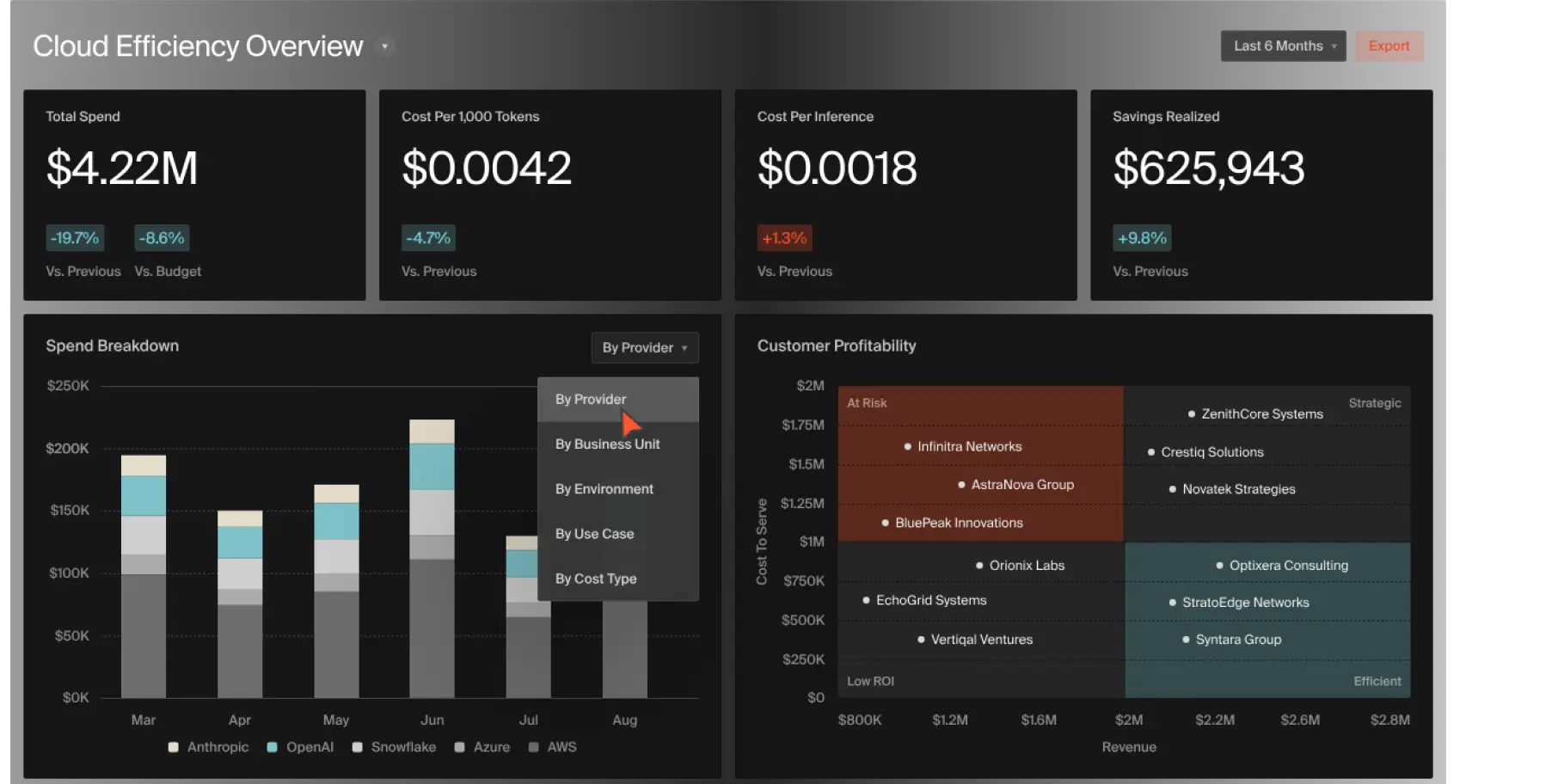
CloudZero focuses heavily on unit economics. It connects your technical cloud spend directly to your business products.
You see exactly how much it costs to serve a single customer. This allows you to price your software correctly and protect your profit margins.
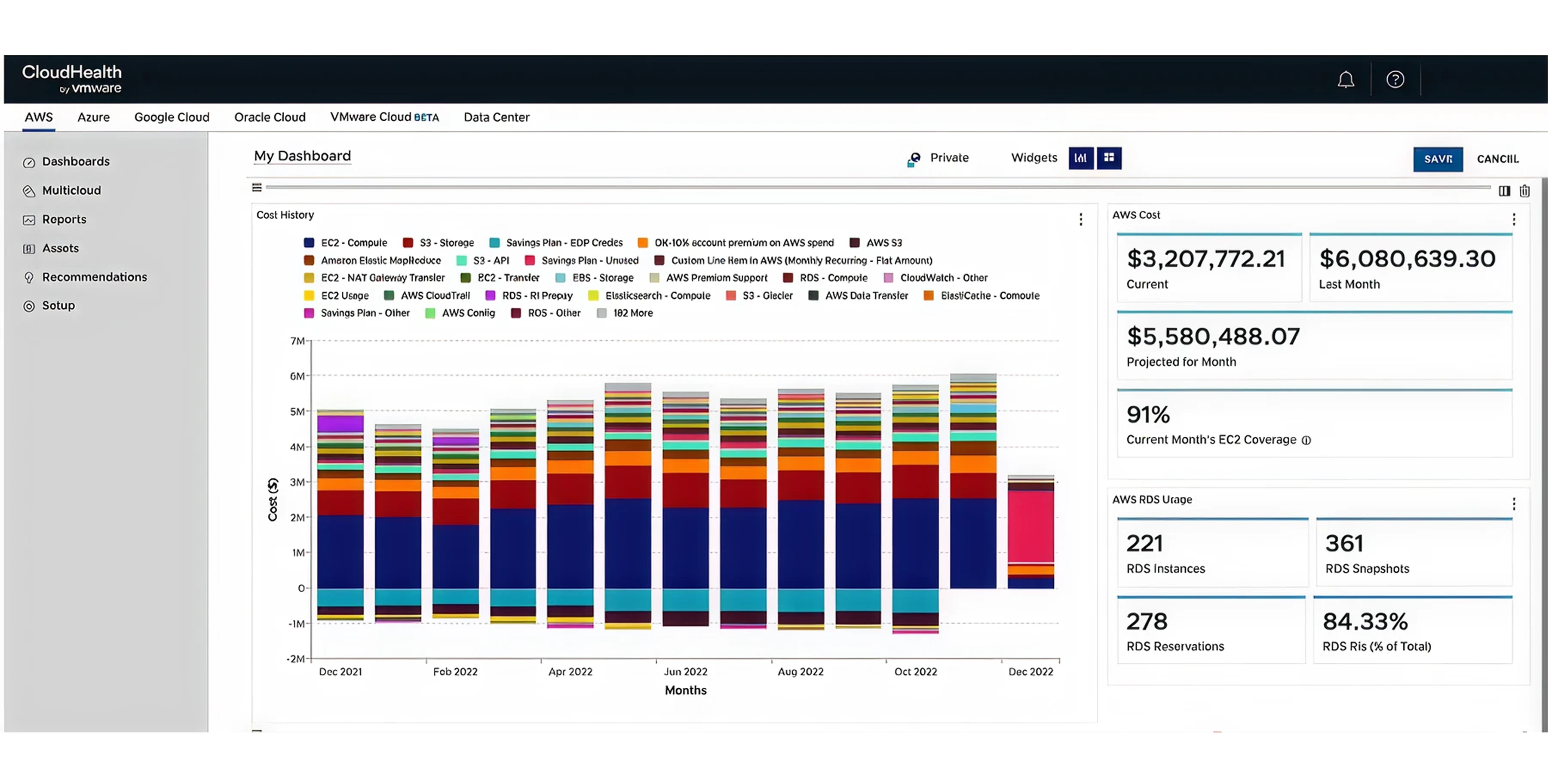
CloudHealth is a mature platform built for heavy governance across multiple cloud providers.
You get a single control panel to enforce spending rules across thousands of employees and multiple cloud providers like AWS, Google, or Azure.
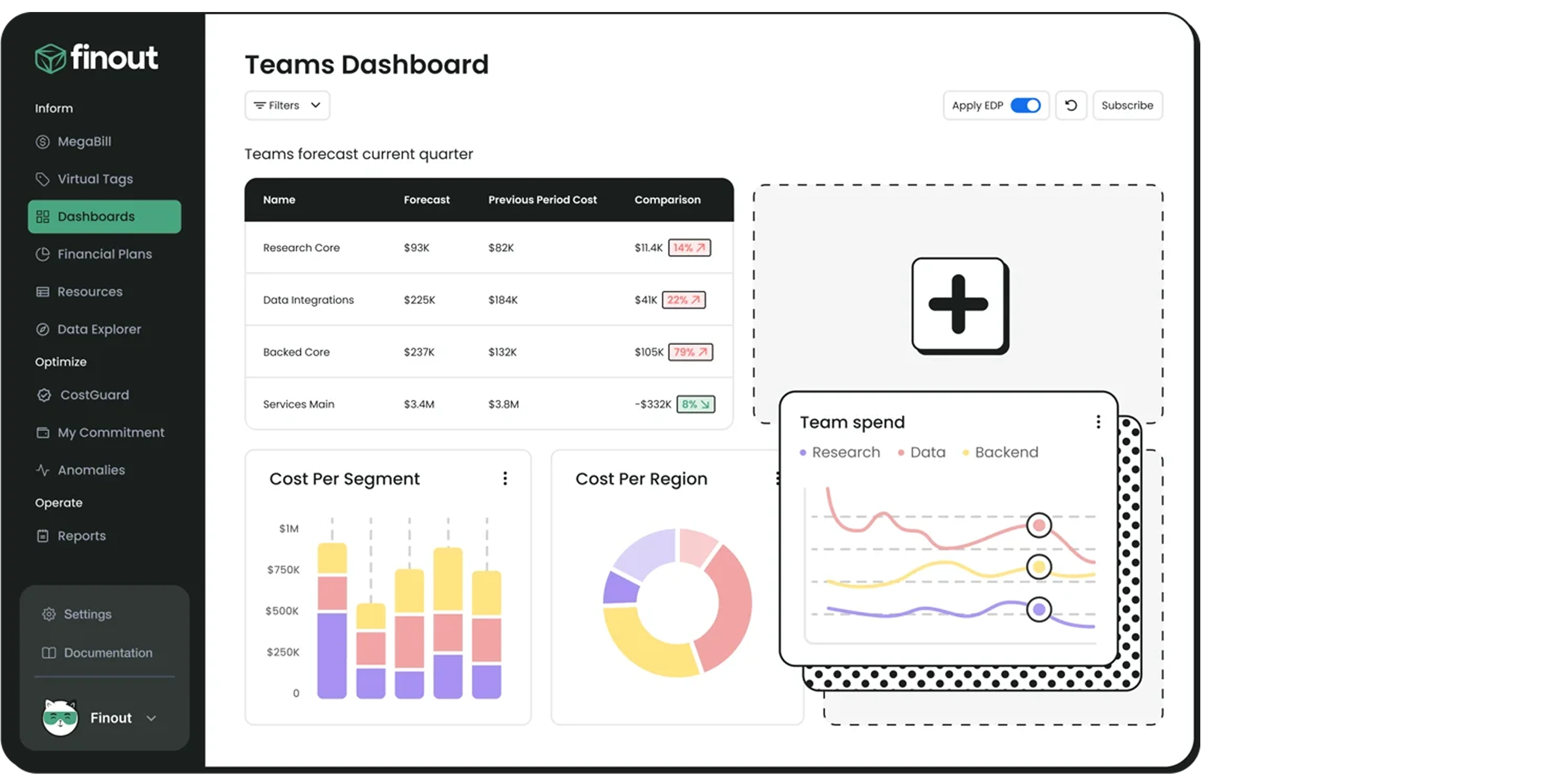
Finout focuses entirely on giving you highly accurate cost allocation and a single, unified mega-bill.
Finout automatically tags your spending so you can accurately charge different departments for their exact usage.
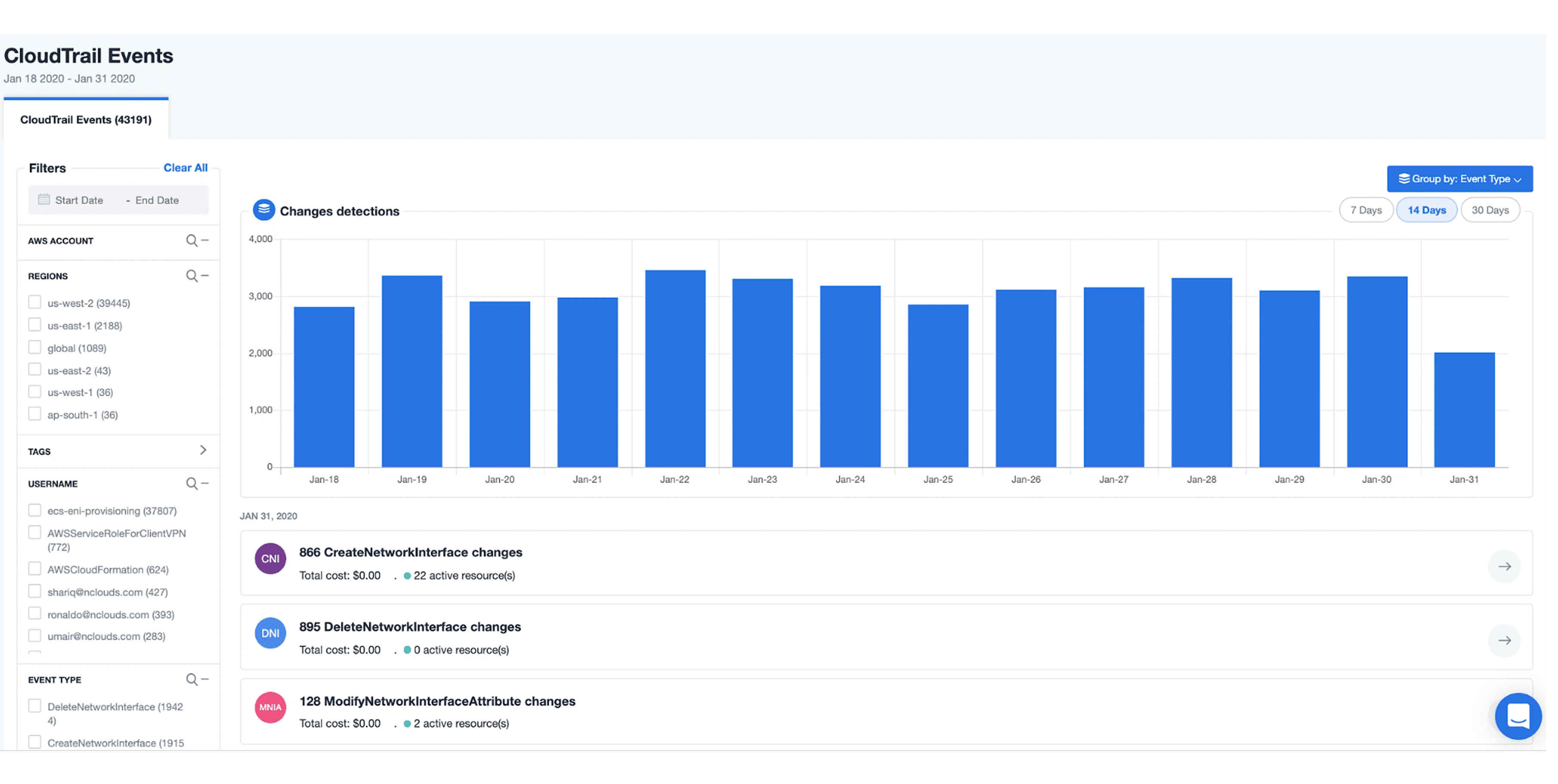
nOps is an automated FinOps tool focused specifically on AWS workloads. It enacts savings automatically.
You put your cost savings on autopilot. The tool buys and sells savings plans for you. This removes the manual risk of long-term financial commitments.

Cast.ai is a tool built strictly for Kubernetes environments. It optimizes how your container nodes run to cut costs as part of a broader EKS cost optimization strategy.
If you run heavy container workloads, this tool automatically packs them more tightly and uses less expensive servers. You cut your bill without asking your engineers to rewrite any code.

Spot uses machine learning to place your workloads on the cheapest possible AWS servers while keeping them safe.
You get access to heavily discounted servers without risking your applications crashing when AWS reclaims those machines.

Kubecost provides visibility and allocation specifically for Kubernetes environments. OpenCost is their free, open-source version.
You get clear visibility into your container costs without locking yourself into an expensive vendor contract.
Native tools are built directly into your AWS account. They are completely free and integrate perfectly with your billing logs. You should always use these native tools for immediate, basic visibility.
You only need to buy third-party tools when you require deep automation, product-level economics, or a unified view across different cloud providers.

AWS Cost Explorer offers built-in charts and basic sizing recommendations. You absolutely must start here.
It costs nothing. It is perfect for a quick check of your monthly trends and basic reservation analysis.
Limit: It lacks deep automation. It cannot allocate costs with high precision if your tagging is complex.
AWS budgets provide simple budget limits and email alerts.
It acts as your baseline guardrail. You set a hard limit. The system emails you if a team exceeds its budget.
Note: AWS provides some monitoring and can alert you when it exceeds a price threshold; may generate additional charges! You must configure it carefully.
CUR provides the raw data file for every billing line item.
Why use it: This is the essential data source for any advanced financial analysis. Every third-party tool uses this file to do its job. It is highly detailed but unreadable for humans without additional software.
AWS Compute Optimizer offers machine-learning recommendations for sizing your servers and storage.
Why use it: It analyzes your past usage and tells you if your servers or databases are too large, helping improve RDS cost optimization efforts. You manually apply the changes to save money.
Here is the limitation: It only offers recommendations. You still have to do the manual labor of changing the server sizes yourself.
AWS Cost Anomaly Detection sends automated alerts when your spending pattern breaks from the norm.
Why use it: It is free to activate. It catches sudden spikes caused by technical mistakes before the end of the month.
Limitation: It warns you about the problem but does not fix the underlying issue.
Choosing a system comes down to identifying your specific operational issue. You need software that targets your exact business pain.
Here are some of the pain points we often encounter, along with the FinOps fixes.
Pain point: You don't know whether a specific customer account is actually profitable. Your cloud invoice is just one big total.
The Fix: You need features like unit economics or product mapping. This links server expenses directly to individual customer accounts. Look for a tool that shows your exact cost per customer.
Pain point: Your engineers use Kubernetes. You are paying for unused capacity within these complex container clusters.
The Fix: You need a feature called Kubernetes node orchestration. This automatically packs your workloads tighter and scales down idle resources. Look for software that natively handles container environments.
Pain point: You want to monitor your Kubernetes expenses. You refuse to sign a massive enterprise contract just to get basic visibility.
The Fix: You need open-source visibility. This allows your engineering team to install the tracking software at no cost. Look for a tool built on open-source standards that does not charge licensing fees for basic dashboards.
Pain point: Your business uses AWS, Google Cloud, and Azure. Every department follows different rules. This creates a major problem for your finance team.
The Fix: You need cross-cloud financial governance. This feature lets you write a single set of budget rules and enforce them across all cloud providers. Look for a platform such as Costimizer, built specifically for multi-cloud policy enforcement.
Pain point: Your team is too busy building products to log in and manually buy AWS Savings Plans. You are wasting company funds every single day.
The Fix: You need autonomous remediation and agentic AI. The software actually makes the fixes and buys the discounts for you. Look for a tool that acts as an automated financial agent, such as costimizer.
As cloud complexity grows, simple reporting is no longer enough to protect your profit margins. Manual billing analysis drains both your budget and your engineering team's valuable time.
Costimizer brings agentic AI directly to your infrastructure, and it acts as your automated FinOps expert by:
Costimizer operates on a Zero-Risk Guarantee. If the platform does not save you more than your monthly subscription fee, your first month is completely free.
Native AWS tools provide basic billing charts and reactive alerts. They require your engineering team to log in, manually analyze the data, and execute the physical server changes. Costimizer replaces this manual triage by functioning as an autonomous agent. It identifies the exact resources to modify and calculates the precise financial impact before executing the remediation directly.
Standard tools, including AWS Cost Anomaly Detection, notify your team only after a billing spike occurs. Costimizer utilizes trend-based, workload-aware machine learning models to anticipate spending drifts before they materialize on your invoice. This approach mirrors the predictive capacity planning systems built internally by large tech companies.
Yes. The software natively supports multi-cloud environments. It consolidates billing data and resource tracking across multiple cloud providers, including AWS, Microsoft Azure, Google Cloud Platform, and Kubernetes clusters into a single management interface.
No. The system integrates directly into existing developer workflows. When an engineer opens a pull request in GitHub or GitLab, the platform calculates the projected cost impact of that specific code change before deployment. This prevents budget overruns without blocking product release cycles.
Container costs are notoriously difficult to allocate accurately. The platform includes specific optimization engines built for Kubernetes and Amazon EKS environments. It maps container utilization to specific internal teams and recommends optimal node sizes to avoid costly overprovisioning.
The software operates strictly within the boundaries you configure. The system relies on rigid approval workflows. The agent will queue rightsizing actions or open Jira tickets for human review. It only executes changes autonomously if your operational team has explicitly authorized that specific action category.
Many platforms forward raw, unfiltered suggestions from AWS, Azure, and third-party scanners. Costimizer extracts native cloud recommendations and merges them with its internal machine learning models. It then deduplicates the list and ranks every proposed action strictly by financial impact and the required engineering effort.
Organizations typically identify immediate infrastructure waste on the first day of installation. By automating resource scheduling, such as shutting down test servers during weekends, and securing group-buying discounts for Reserved Instances, companies routinely achieve a 15% to 30% reduction in their total cloud spend within the first billing cycle.
•
CTO•
Articles