60-Second Summary
Problem: Teams move data to cheaper classes within their aws S3 storage without thinking about availability risk, minimum billing windows, or how often objects are actually read. That often changes a savings move into an outage or a surprise bill.
Fix: Use One Zone-IA only for reproducible or non-critical data. For unpredictable patterns, many find that S3 intelligent tiering offers a safer way to reduce aws cost without the manual risk.
Catch: It’s cheap for storage ($0.01/GB-month is the commonly quoted entry point), but you accept a lower availability SLA and AZ-level risk. Know what you’re buying and why.
I was scrolling S3 docs like some people scroll Twitter, and one sentence kept sticking: store data in one Availability Zone. That’s the line that makes finance teams cheer and reliability engineers grip their keyboards.
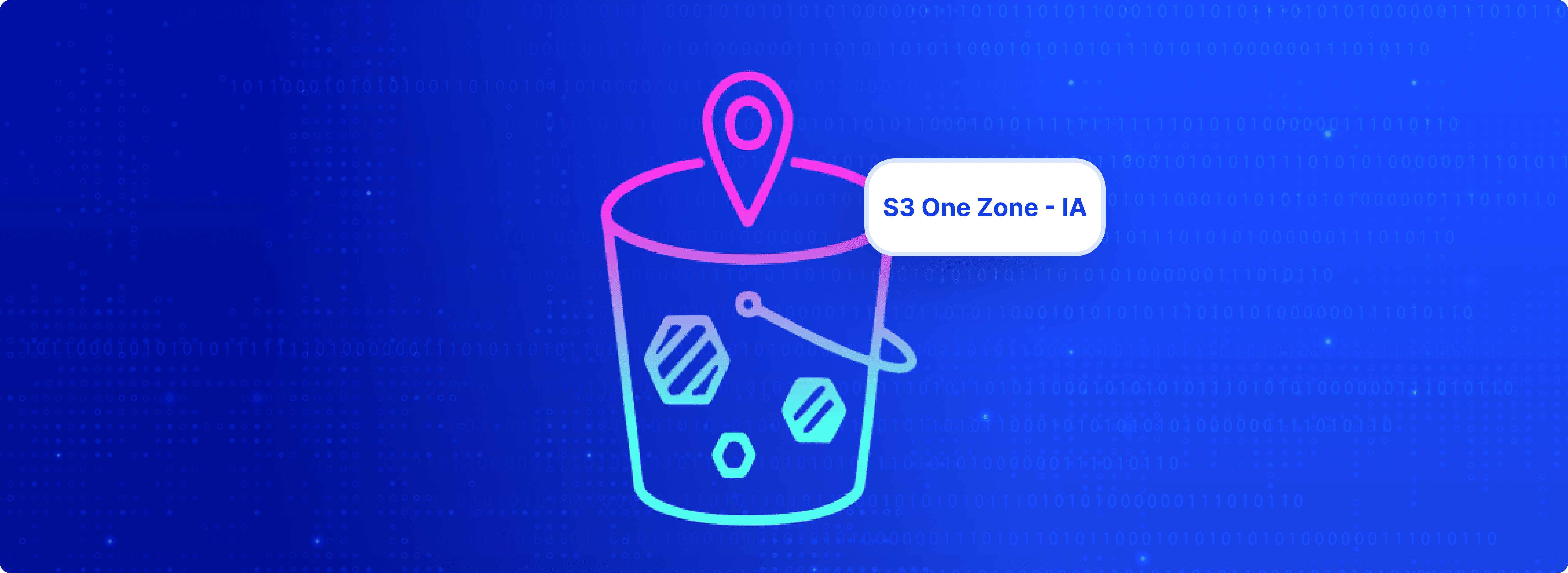
S3 One Zone-Infrequent Access (One Zone-IA) is straightforward: you trade cross-AZ resilience for the lowest storage price among S3’s instant-access classes. That trade-off is intentional, useful, and , if you get the assumptions wrong , expensive in ways that money can’t fix.
Below: a practical, production-grade guide in the same format you liked , 60-second summary, what it is, exact pricing trade-offs, when to use it (and when not to), a smart backup pattern, common team mistakes, how to decide, and a tidy FAQ. I’ll call out the real risks and give you the decision checklist you need.
S3 One Zone-IA stores objects in a single Availability Zone rather than replicating them across three or more AZs like S3 Standard or Standard-IA. That single design decision reduces cost , often meaningfully , but it also makes your data unavailable during an entire AZ outage. Performance, APIs, and latency look the same in normal operation; the difference is resilience under failure.
Put another way:
Storage pricing (typical US-East reference points):
The headline is simple: you save on storage price but keep the same retrieval economics, and you accept AZ-level availability risk. That’s why sizing, object distribution, and retention windows matter more than sticker price.
Use One Zone-IA when all of the following are true:
Examples that fit:
If you can’t tick most of those boxes, don’t move data here.
Don’t use One Zone-IA for:
Those are the exact situations where an AZ outage creates immediate business loss, not a minor inconvenience.
AZ outages are rare, but they do happen, and they have had significant, measurable impacts on big services. Examples include major US-East outages in 2021 that affected streaming and trading platforms, and other region-level incidents in following years. When an AZ goes down, One Zone-IA data becomes unavailable until AWS recovers the AZ; the objects are usually intact, but your application can’t read them during that window. If your business can’t tolerate those hours, One Zone-IA is the wrong choice.
Mature engineering teams avoid either/or choices. They tier:
Why this works: recent recovery points remain multi-AZ and fast; older, less critical copies move progressively cheaper while preserving a recovery ladder if an AZ fails.
Before you move a bucket to One Zone-IA, answer these:
If the answer is yes to most, One Zone-IA is worth testing. If not, keep the safety net.
S3 One Zone-IA is a contract you sign with your architecture: lower recurring cost in exchange for lower availability guarantees.
Where most teams go wrong is not understanding:
How many objects they actually have, Average object size, Real access frequency, and how much data is truly secondary vs critical
This is where Costimizer really helps.
Instead of guessing, Costimizer gives you:
In practice, this means:
One Zone-IA is not resilient to the physical loss of an AZ. In extreme events the only durable protection is a multi-AZ or cross-region copy. Use One Zone-IA only when you have another recovery path.
No, normal-path latency and throughput are the same as other IA classes. The difference is availability during AZ faults.
Typical pricing references list One Zone-IA at about $0.01/GB-month, roughly ~20% cheaper than Standard-IA and a large delta vs Standard. But always check your region’s pricing page because small regional differences matter.
Yes, build a simple model that includes current object counts, size histogram, access frequency, and retention. If you want, I can help build that model against your bucket metrics.
•
CFO•
Articles